Top Open-Source STT APIs: Real-Time Transcription in 2026

Compare the 8 best open-source Speech-to-Text APIs for 2026. Evaluate options for accuracy, speed, and scalability to power your AI applications.
Transcribing speech into text is easy in demos, but real-time usage tells a different story. Accents shift, background noise creeps in, people interrupt, and transcripts can lag behind the conversation. That’s when teams realize that the best speech-to-text API isn’t the one that looked impressive in a demo, it’s the one that works reliably in production.
For developers, product teams, and businesses handling live audio, transcription is at the core of workflows. Errors ripple into analytics, delays interrupt automation, and scale quickly exposes gaps in cost and reliability. The open-source and cloud AI APIs that survive these conditions are the ones you want to integrate.
This guide covers top open-source and production-ready speech-to-text APIs, focusing on capabilities, integration requirements, free tiers, and unique features that matter in real-time scenarios.
Key Takeaways
Real-Time Accuracy Matters: APIs that shine in demos often falter with live, noisy, or multi-accented audio.
Latency Impacts Voice Workflows: Even accurate transcripts hurt if delays slow conversations or automation.
Integration Flexibility: Look for APIs that work with your stack, such as Python, JavaScript, cloud, or on-prem.
Use Case Alignment: Choose the API that fits your workflow, such as contact centers, media editing, research, or hybrid setups.
Scalability & Reliability: Production workloads need APIs that maintain performance as volume grows.
What Are Speech-to-Text AI APIs?
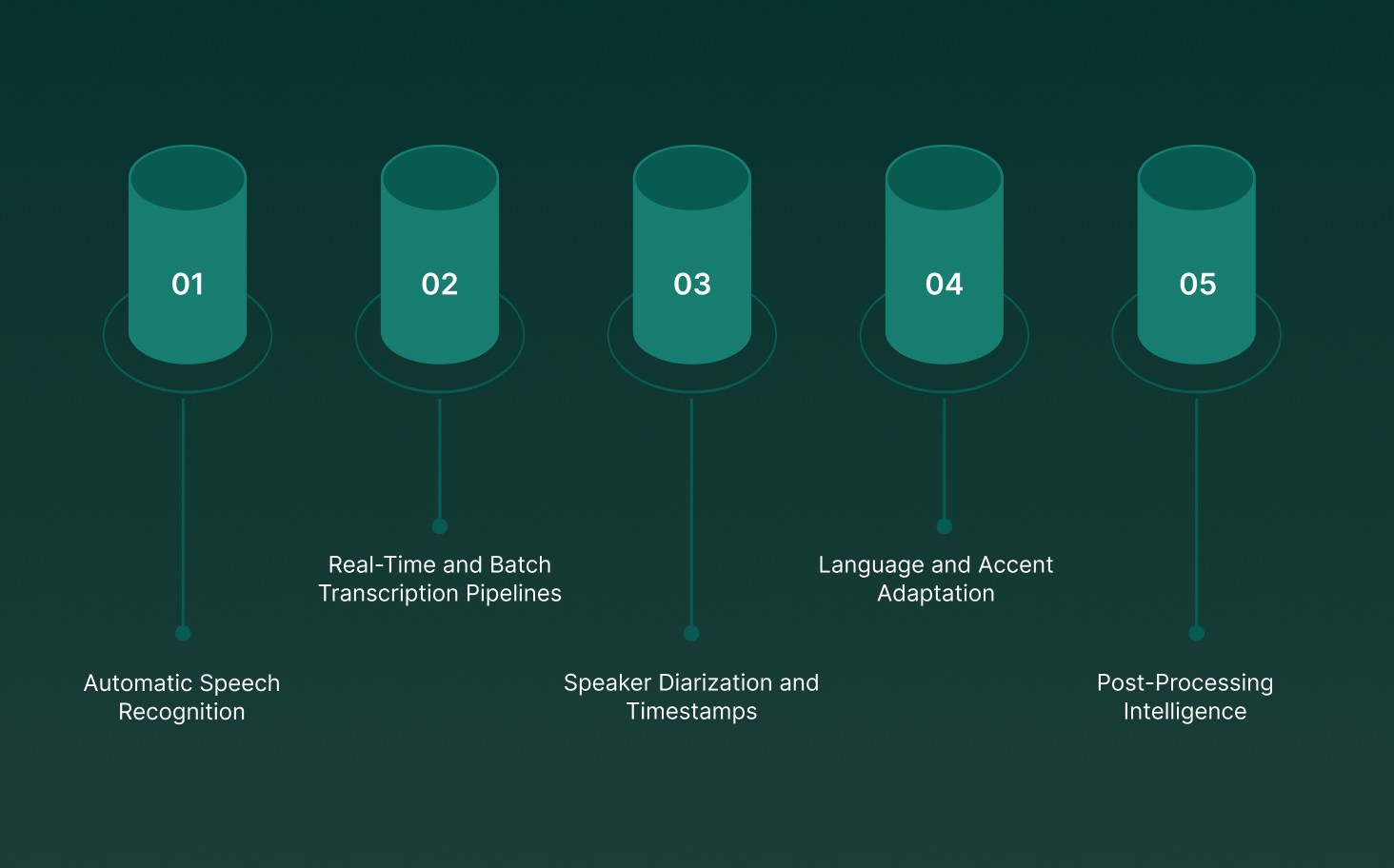
Speech-to-text AI APIs convert spoken audio into structured, machine-readable text using advanced speech recognition systems. These APIs are designed for real-time or batch transcription, optimized for accuracy, low latency, and production-scale workloads across live calls, meetings, and media recordings.
Modern speech-to-text APIs provide core technical capabilities that go beyond basic transcription:
Automatic Speech Recognition (ASR): Neural acoustic and language models map audio signals to words, minimizing errors even with background noise, overlapping speech, and varied accents.
Real-Time and Batch Transcription Pipelines: Real-time APIs deliver partial transcripts in milliseconds for live conversations, while batch pipelines focus on high accuracy and throughput for long-form recordings.
Speaker Diarization and Timestamps: Detect and label multiple speakers, providing precise attribution in meetings, interviews, or multi-participant calls.
Language and Accent Adaptation: Models adapt to regional accents, domain-specific vocabulary, and pronunciation patterns without full retraining.
Post-Processing Intelligence: Transcripts can feed downstream analytics, sentiment analysis, search indexing, and compliance checks.
At its core, a speech-to-text API is crucial for voice-powered applications, enabling real-time transcription, voice analytics, and automation at scale.
How Speech-to-Text AI APIs Work?
These APIs process raw audio into structured text through a multi-stage pipeline, built for speed and accuracy rather than studio-perfect recordings. The main stages include:
Audio Ingestion and Normalization: Audio streams or files are resampled, denoised, and normalized to handle volume variations, channel inconsistencies, and pacing differences.
Acoustic Feature Extraction: Audio waveforms are converted into spectral features capturing phonemes, timing, and speaker characteristics, while filtering out background noise.
Neural Decoding and Hypothesis Generation: AI models generate rolling word predictions, continuously updating partial transcripts without waiting for sentence completion.
Contextual Rescoring and Error Correction: Language models apply conversational context, domain-specific vocabulary, and prior dialogue to reduce misrecognitions.
Incremental Output and Event Handling: Final transcripts are delivered with timestamps, speaker labels, and interruption markers, ready for live applications or analytics pipelines.
Explore how AI voice-driven interactions are shaping the future of AI voice-driven interactions and their impact
Modern speech-to-text APIs behave less like static document processors and more like low-latency engines, capable of keeping pace with real-world human conversations across multiple languages and environments.
8 Best Speech-to-Text AI APIs
Not all speech-to-text APIs perform the same once real-time audio streams are introduced. Some models look promising in demos but slow down under live traffic. Others handle streaming well but degrade with scale.
The following section highlights the top open-source, production-ready speech-to-text APIs, focusing on their capabilities, latency, and best use cases.
1. Pulse STT
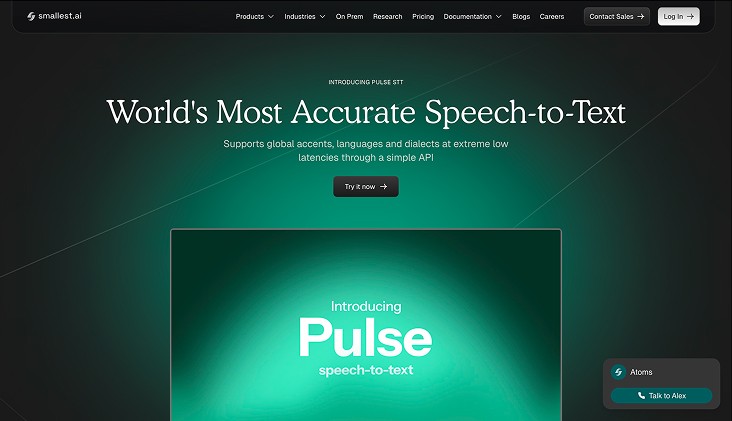
Pulse STT is a production-grade, real-time speech-to-text API built for live conversations, delivering sub-70ms latency, high accuracy, and robust multilingual support by Smallest AI.
Core capabilities include:
Ultra-Low Latency Transcription: First transcripts in under 70ms, ensuring interruption-free conversations.
High Word Accuracy: Maintains minimal word error rates across 30+ languages, optimized for real-world speech.
Multi-Language and Dialect Coverage: Supports 36 languages spanning the Americas, Europe, and India.
Automatic Language Detection & Code-Switching: Handles mixed-language speech seamlessly in live audio streams.
Advanced Speech Intelligence: Speaker diarization, sentiment analysis, and emotion detection beyond plain text.
On-Prem & Enterprise Deployment: Local deployment for low latency, strict data control, and compliance with SOC 2 Type II, HIPAA, PCI, and ISO standards.
Best use for: Real-time customer service, multilingual contact centers, and high-volume production voice workflows where latency and accuracy matter most.
To experience real-time voice performance, sub-100ms latency, and enterprise-grade security with voice agents built to scale. Try Smallest.ai today.
2. Google Cloud Speech-to-Text API
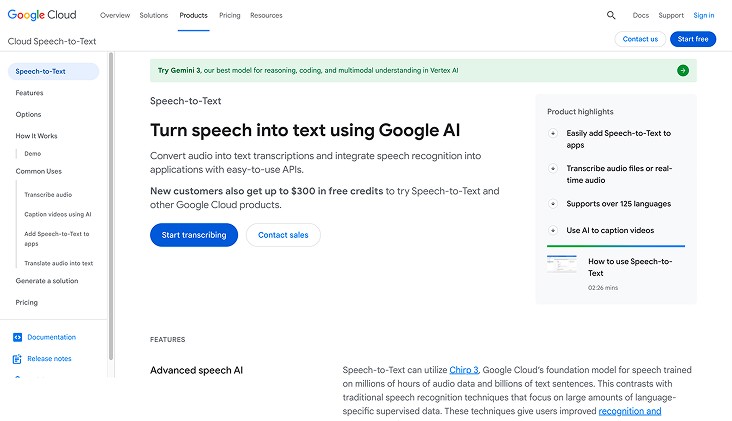
Google Cloud Speech-to-Text is a powerful cloud-based API that turns audio into text with high accuracy, using advanced neural network models. It supports both real-time streaming and batch processing, making it suitable for enterprise and developer workflows.
Instant & Batch Transcription: Processes live conversations with minimal delay and converts pre-recorded audio files efficiently for large-scale applications.
Enhanced Readability: Automatically adds punctuation, capitalization, and formatting to generate clean, professional transcripts.
Global Language Coverage: Supports over 125 languages and variants, including accent adaptation for international users.
Speaker Identification & Timing: Differentiates multiple speakers and provides precise word-level timestamps for detailed analysis.
Robust to Noise: Maintains transcription accuracy even in noisy environments or with overlapping speech, making it ideal for real-world audio.
Pros
Real-time and batch transcription support
Automatic punctuation and formatting for clean output
Recognizes 125+ languages with accent adaptation
Tracks speakers and provides word-level timestamps
Performs well in noisy or multi-speaker environments
Cons
Free tier is limited in usage
Complex setups may require familiarity with Google Cloud infrastructure
Advanced features often need paid plans
Best For: Enterprises, developers, and teams building Multilingual voice assistants, automated meeting transcripts, or real-time transcription pipelines that demand reliable and scalable cloud performance.
3. AssemblyAI
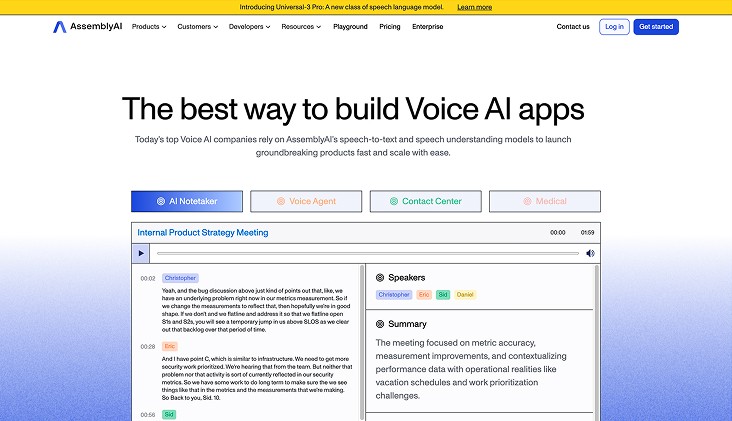
AssemblyAI is a robust speech-to-text API built for developers and teams who need fast, precise transcription along with intelligent audio analysis. It handles both live streams and pre-recorded audio, turning speech into actionable insights.
Smart Audio Insights: Identifies topics, sentiment, named entities, and content moderation flags, offering context-rich information beyond plain text.
Global Language Support: Handles over 30 languages and regional accents, ensuring reliable transcription for diverse users.
Easy Developer Integration: Minimal setup required to embed in web, mobile, or backend applications, enabling rapid deployment.
Live and Batch Transcription: Converts real-time conversations instantly with low latency and efficiently transcribes large audio or video files.
Pros
Supports both live streams and batch transcription
Extracts meaningful insights like sentiment, topics, and entities
Reliable across multiple languages and accents
Quick and simple API integration
Adds context to basic speech-to-text
Cons
Free tier has limited usage
Advanced features require paid plans
Cloud-based only, no offline mode
Best For: Developers, media teams, and businesses building AI voice assistants, transcription platforms, or analytics systems that require fast, accurate speech-to-text with enriched audio intelligence.
4. AWS Transcribe
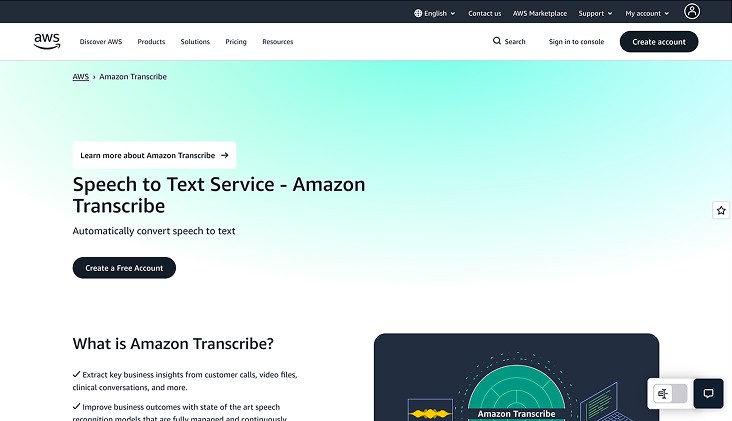
AWS Transcribe is a cloud-based speech recognition service that delivers accurate and scalable transcription for both live audio and pre-recorded files. It’s built to support enterprise-grade workflows, from meetings and interviews to media content and analytics pipelines.
Multi-Speaker Detection: Automatically identifies and separates multiple speakers, making it ideal for group calls, panel discussions, and interview recordings.
Custom Language Support: You can create custom vocabularies and language models to capture industry-specific terms, acronyms, or brand names, improving transcription accuracy.
Time-Aligned and Formatted Output: Provides transcripts with timestamps, punctuation, and structured formatting for subtitles, analytics, or content indexing.
AWS Ecosystem Integration: Seamlessly connects with other AWS services like S3, Lambda, and Comprehend, enabling fully automated transcription, storage, and downstream analysis.
Pros
Supports both live streaming and bulk audio processing
Distinguishes between multiple speakers automatically
Custom vocabularies for domain-specific terms
Produces timestamps and well-formatted transcripts
Easy integration with other AWS tools for workflow automation
Cons
Requires internet/cloud access; no offline support
Costs may accumulate with high-volume usage
Limited flexibility outside the AWS ecosystem
Best For: Enterprises and developers seeking a robust, cloud-powered transcription solution for meetings, calls, media content, or voice-driven applications, with structured, reliable, and scalable outputs.
5. OpenAI Whisper
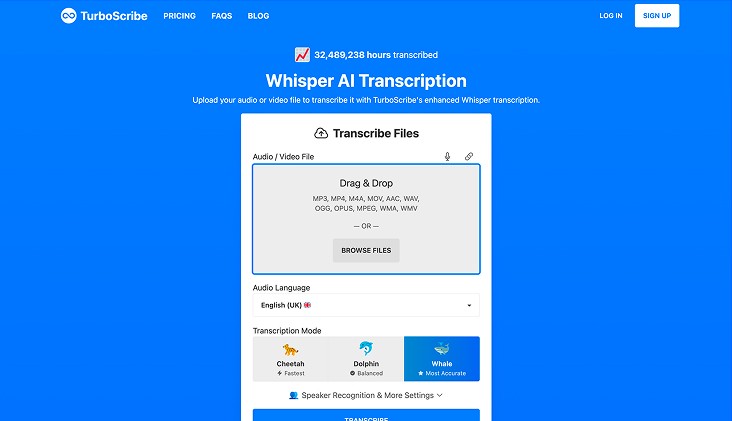
OpenAI Whisper is an open-source speech-to-text model built for high-accuracy transcription, even in noisy environments and across diverse accents. It is designed for offline use, giving developers and researchers full control over data and processing.
Automatic Multilingual Transcription: Detects and transcribes speech in 97 languages without manual setup.
Noise-Resistant Recognition: Maintains high accuracy even in challenging acoustic conditions.
Offline Capability: Can run locally, eliminating cloud dependency and ensuring privacy.
Batch Processing: Handles audio files of any length efficiently, making it ideal for large-scale transcription projects.
Pros
Supports 97 languages with automatic detection
Works reliably in noisy or complex audio environments
Fully offline deployment for data-sensitive applications
Open-source, allowing customization and integration into workflows
Cons
Not optimized for real-time streaming
Requires sufficient local computing resources for processing large files
Best For: Developers, researchers, and teams needing accurate, offline, open-source transcription for multiple languages and noisy audio conditions.
6. Microsoft Azure Speech Service
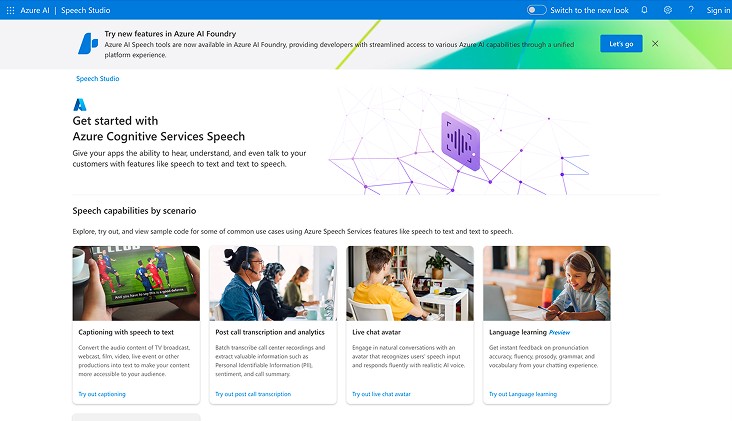
Microsoft Azure Speech Service is a cloud-based speech-to-text platform built for both real-time and batch transcription, tightly integrated with Microsoft’s AI and productivity ecosystem.
Live and Batch Transcription: Transcribes streaming audio or pre-recorded files with high accuracy at scale.
Custom Speech & Vocabulary: Allows adaptation of models for industry-specific terms, jargon, and regional accents.
Speaker Identification & Diarization: Recognizes multiple speakers during calls, meetings, or conferences for clear conversation mapping.
Language & Accent Support: Covers over 100 languages and dialects, including code-switching capabilities for multilingual content.
Azure Ecosystem Integration: Works seamlessly with Microsoft Teams, Power BI, and other Azure Cognitive Services for analytics and workflow automation.
Pros
Comprehensive language and accent coverage
Supports live streaming and batch processing
Customizable for industry-specific terminology
Deep integration with Microsoft tools and services
Cons
Best performance requires familiarity with Azure ecosystem
Free-tier limits may restrict large-scale usage
Advanced features may require subscription-based pricing
Best For: Enterprises leveraging Microsoft infrastructure, multilingual meeting transcription, and AI-powered voice analytics solutions.
7. ElevenLabs
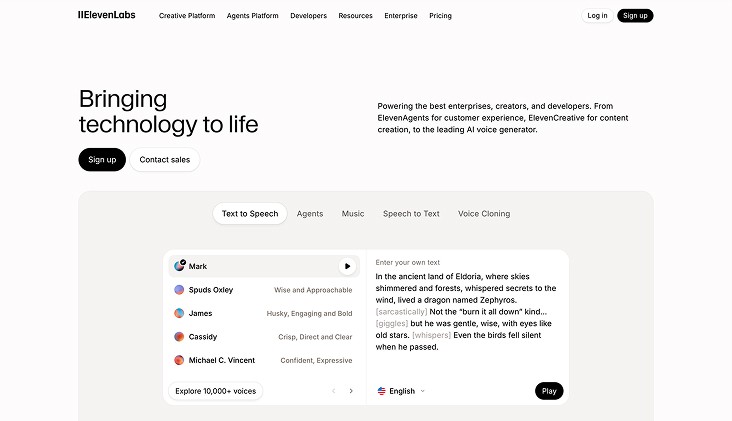
ElevenLabs provides high-fidelity speech-to-text APIs focused on live transcription and media processing, combining speed with contextual intelligence.
Real-Time Streaming Transcription: Scribe v2 Realtime converts live speech to text in under 150ms, enabling fast, accurate transcription for real-time applications.
Batch Transcription: Processes uploaded audio and video, delivering clean, editable transcripts suitable for media workflows.
Multi-Language Coverage: Supports 90+ languages and diverse accents, ensuring reliable transcription across global content.
Contextual Audio Analysis: Adds speaker identification, entity detection, and dynamic audio tagging for richer, more actionable transcripts.
Pros
Ultra-low latency live AI transcription (<150ms)
Supports 90+ languages and accents
Context-aware transcription with speaker ID and entity detection
Suitable for both live and batch media processing
Cons
Requires API integration and developer setup
Higher usage costs for large-scale transcription workflows
Best For: Media workflows, live agents, and real-time transcription applications needing fast, accurate, and API-accessible solutions.
8. Reverie Speech-to-Text API
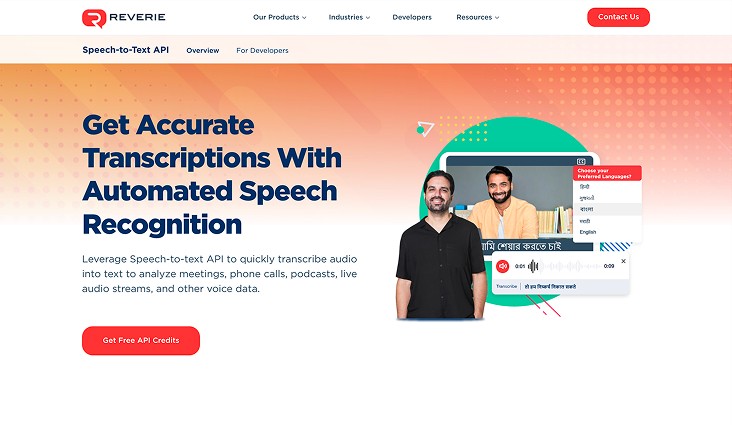
Reverie Speech-to-Text API provides real-time and batch transcription with strong support for multilingual and regional language processing, ideal for businesses handling diverse voice inputs.
Live and Batch Transcription: Converts live conversations and pre-recorded audio into text quickly and accurately.
Multilingual & Regional Support: Handles multiple Indian and global languages with accent and dialect adaptation for precise transcription.
Speaker Identification & Context Awareness: Differentiates speakers and captures context for improved conversation understanding.
Custom Vocabulary & Domain Adaptation: Allows inclusion of industry-specific terms to enhance transcription accuracy.
Pros
Supports a wide range of languages and regional dialects
Offers both live and recorded audio transcription
Speaker separation and context-aware transcription
Customizable vocabulary for specific industries
Cons
Advanced features may require developer integration
Free-tier usage is limited for high-volume transcription
Best For: Businesses needing accurate, multilingual transcription with contextual understanding for customer interactions and enterprise workflows.
If you’re looking for the best tools, explore the top 8 voice-to-text software for real-time and production use
How to Choose the Best Speech-to-Text AI APIs?
Choosing the right speech-to-text AI API works best when decisions reflect how audio actually flows through your systems and teams. The best API is not necessarily the one with the highest demo accuracy, but the one that performs reliably under real traffic, multi-accented conversations, and noisy environments.
Key decision factors that determine the right speech-to-text AI API include:
Primary Audio Workflow: Different APIs excel depending on the type of audio you process, live meetings, media editing, call center conversations, or research recordings, all have distinct latency and transcription requirements.
Tolerance for Transcription Errors: Some workflows can tolerate minor errors with quick editing, while others demand word-level accuracy, speaker identification, or hybrid human review to manage risk.
Language and Accent Coverage: Global teams or multi-regional content require APIs that handle multiple languages, regional accents, and code-switching without degrading accuracy.
Latency and Real-Time Performance: For live workflows, low-latency streaming is critical. Even highly accurate APIs can disrupt voice systems if transcripts lag or updates are delayed.
Cost and Scalability: Usage-based pricing, subscription models, or pay-as-you-go fees behave differently at scale. Long-form or high-volume transcription can amplify small cost differences.
Data Sensitivity and Compliance: If audio contains sensitive or regulated information, look for APIs with strong data security, retention controls, and compliance certifications like HIPAA or SOC 2.
The best speech-to-text AI API fits your workflow before it fits benchmark scores. Clear understanding of your audio type, volume, latency needs, and risk tolerance helps prevent costly rework later.
Final Thoughts!
Transcription tools can quickly fall short as call volumes rise and unexpected scenarios appear. The solutions that truly stand out are those that stay reliable under pressure and keep conversations flowing smoothly without constant tweaks. That kind of consistency reduces operational friction and builds trust in daily voice workflows.
For teams managing real-time voice systems, Smallest AI provides the best speech to text AI APIs, designed for production environments rather than lab tests. Pulse STT delivers low latency, consistent accuracy, and scalable control for demanding voice applications.
Discover how Pulse performs in live voice workflows by connecting with the Smallest AI team or testing it firsthand.
Frequently asked questions
Do the best speech-to-text AI APIs handle real-time interruptions well?
How do speech-to-text AI APIs perform with multiple accents or dialects?
Are free speech-to-text AI APIs suitable for production use?
What is the difference between a speech-to-text app and an API?
Do AI transcription APIs support speaker separation in multi-person conversations?