Speech to Text for Deaf and Hard-of-Hearing Users

Real guidance on speech-to-text for Deaf and hard-of-hearing users: accuracy, latency, caption UX, streaming API integration, and privacy, all in one place.
Speech to text for Deaf and hard-of-hearing users converts spoken audio into readable words, often while a conversation is still in progress. Timely text access can make meetings, classes, calls, services, and informal conversations easier to follow, review, and respond to.
This resource is written for developers, product managers, accessibility teams, and technical decision-makers. It moves from core terminology through real-world use cases, performance evaluation, caption UX, and streaming API implementation. Communication preferences vary: some people use captions, some use sign language, some use hearing technology, and many combine approaches.
Suggested URL slug: /blog/speech-to-text-for-deaf-and-hard-of-hearing-users
Table of contents
How speech becomes accessible text
Where real-time transcription supports communication
Technical qualities that determine accessibility
Designing live captions people can follow
Integrating a streaming speech-to-text API
Key takeaways and frequently asked questions
How Speech Becomes Accessible Text
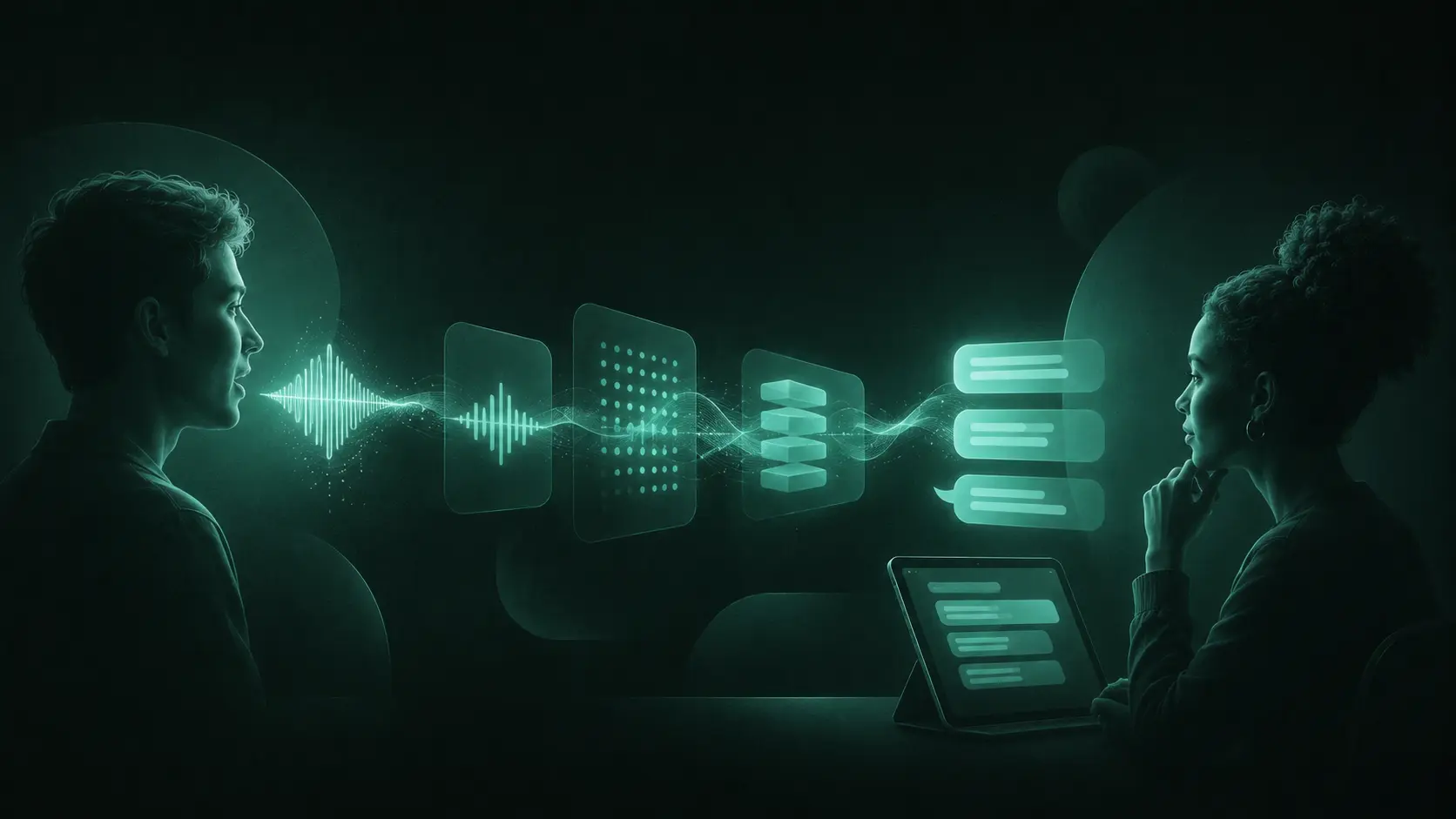
A speech recognition system receives sound from a microphone, breaks it into small frames, identifies likely speech patterns, and predicts words using acoustic and language context. In a streaming system, audio travels continuously to the recognizer. The interface receives evolving hypotheses before the speaker finishes, followed by more stable final text.
Related terms are often used interchangeably, but they describe different outputs.
Term | Practical meaning |
|---|---|
Speech-to-text | The technology that converts speech signals into written words. |
Transcription | The resulting text or the process of producing it, either live or after recording. |
Captions | Timed text synchronized with media or live speech, ideally including relevant non-speech audio. |
Subtitles | Timed text commonly used for translation or dialogue presentation, sometimes assuming other audio remains audible. |
CART | Communication Access Realtime Translation produced by a trained human captioner using specialist equipment and software. |
Real-time transcription for Deaf users reduces the delay between speech and access to meaning. Recorded transcription serves a different purpose: it supports review, search, notes, and asynchronous communication. Effective speech recognition accessibility often requires both.
Automated captions do not automatically replace CART, human captioners, sign-language interpreters, or other requested accommodations. Match the service to the person's preference, the setting, and the consequences of errors.
Where Real-Time Transcription Supports Communication
The World Health Organization reported in its 2026 fact sheet that more than 430 million people require rehabilitation for disabling hearing loss, with nearly 2.5 billion projected to have some degree of hearing loss by 2050. These figures describe a broad population with varied identities, languages, and access needs, not one uniform user group. See the WHO hearing loss fact sheet.
Conversations, work, and customer service
For one-to-one conversations, a phone or shared display can show speech as text. In workplace settings, accessible meeting assistants can use real-time transcription and speaker separation to make conversations easier to follow. Customer-support systems can caption an agent's speech for a customer, expose call transcripts in web chat, and let users correct critical details such as account numbers.
Education, events, and public services
Common applications for accessibility speech to text include:
Lectures and classrooms: Display terminology, questions, and discussion while providing a reviewable transcript. A 2024 study of Deaf and hard-of-hearing college students' experiences with real-time captioning found that real-time captions can provide effective communication access, while students may still face barriers to using captioning services successfully.
Conferences and live events: Send captions to stage screens and personal devices, with human monitoring for high-profile or complex sessions.
Public-service interactions: Support communication at healthcare reception, transport counters, courts, and government offices, subject to privacy and accommodation requirements.
Mobile and web features: Offer device captions, media transcripts, adjustable text, keyboard controls, and persistent caption preferences.
Communication tools for hard-of-hearing users should never make captions the only available channel. Provide a clear path to request an interpreter, human captioning, text chat, relay service, or another suitable option. The U.S. Department of Justice lists real-time captioning among aids used for effective communication under the ADA, but adding an automated API alone does not establish legal compliance.
Technical Qualities That Determine Accessibility
Evaluate the complete captioning experience, not a single accuracy score.
Characteristic | Why it matters | What to test |
|---|---|---|
Accuracy | Wrong names, numbers, negations, or instructions can change meaning. | Domain terms, short replies, names, acronyms, and critical phrases |
Latency and stability | Late captions interrupt turn-taking, while constant rewrites increase reading effort. | Time to first partial, time to final, and revisions per line |
Noise and speech variation | Rooms contain HVAC noise, music, accents, dialects, and overlapping speech. | Representative speakers, devices, rooms, and cross-talk |
Diarization and timestamps | Readers need to know who spoke and when. | Speaker changes, interruptions, word-level timestamps, and label consistency |
Languages | Multilingual transcription must recognize the languages and switching patterns users need. | Language detection, code-switching, scripts, punctuation, and proper nouns |
Streaming reliability | Dropped audio produces missing content regardless of model accuracy. | Packet loss, reconnection, duplicated segments, and long sessions |
Partial transcripts prioritize speed. They often revise earlier words as more context arrives. Final transcripts are more stable but arrive later. A strong interface distinguishes their states, limits visible churn, and finalizes at natural phrase boundaries. Word-level timestamps support synchronized highlighting, transcript search, and correction workflows.
What benchmark scores miss: A model can perform well on clean recordings and still struggle with a distant laptop microphone, reverberant classroom, specialized vocabulary, accented speech, or two people talking at once. Test automatic speech recognition accessibility with consented audio that reflects actual users and conditions.
Microphone placement can materially affect transcription quality. Capture speakers closely, avoid routing loudspeaker output back into the microphone, preserve a supported sample format, and monitor clipping and silence. For AI transcription for accessibility, report accuracy by scenario and speaker group rather than averaging away severe failures.
Designing Live Captions People Can Follow
Live captioning technology succeeds when users can read without chasing words around the screen. Painting raw recognition events directly into the interface with every token change can make captions difficult to follow.
Caption layout should reduce visual effort while preserving context.
Practical display rules:
Keep lines short enough to scan, usually two or three visible lines rather than a dense transcript wall.
Let users change text size, contrast, position, and caption-panel dimensions.
Place captions near the speaker or media without covering faces, sign-language interpreters, controls, or slides.
Show partial text subtly, then preserve final lines long enough to read.
Use stable speaker names when identity is known, otherwise use consistent labels such as Speaker 1.
Provide pause, scrollback, transcript export, and correction options where appropriate.
A common mistake: Replacing the whole caption line after every partial result technically looks responsive, but readers repeatedly restart the sentence. Update only the unfinished region and keep finalized words visually stable.
Test the interface with Deaf and hard-of-hearing users throughout design, not only before release. Include people with different captioning preferences, languages, devices, vision needs, and levels of familiarity with transcription systems.
Integrating a Streaming Speech-to-Text API
Smallest.ai Pulse is one available speech-to-text technology for live transcription. Treat product selection as an engineering and accessibility evaluation. Confirm current model capabilities, supported languages, event schemas, limits, pricing, and security documentation before implementation or publication.
1. Build the audio path
Request microphone permission with a plain-language explanation. Capture audio in the API's supported format, send small ordered frames over the documented streaming transport, and keep credentials on a trusted server. Add echo cancellation carefully, because aggressive processing can strip out quiet speech.
2. Manage transcript state
Store partial text separately from finalized segments. Use event identifiers or timestamps to prevent duplication, and never append every hypothesis permanently. A caption state manager should replace only the active partial, commit final results, assign speaker labels, and retain limited scrollback.
3. Design for failure and recovery
A production streaming client should:
Detect silence, stalled connections, and missing acknowledgments.
Reconnect with bounded backoff and avoid replaying already finalized audio.
Show users when captions are reconnecting or unavailable instead of displaying silent failure.
Collect latency, finalization, disconnect, and correction metrics without retaining unnecessary speech.
Offer text chat or another fallback when transcription is unavailable.
The streaming API integration walkthrough provides implementation context for Python, Node, and streaming workflows. Validate all examples against current documentation because endpoints and capabilities can change.
4. Protect sensitive communication
Document where audio is processed, whether it is stored, who can access transcripts, retention periods, deletion controls, and applicable data residency requirements. Encrypt transport and stored records, minimize logs, restrict credentials, and obtain meaningful consent. Security review is part of accessible transcription technology because users should not have to trade privacy for communication access.
Key Takeaways
For a stronger implementation:
Start with user preferences and communication context, not an API feature list.
Measure accuracy, latency, stability, diarization, language handling, and reliability together.
Test real microphones, rooms, accents, dialects, vocabulary, interruptions, and network conditions.
Design real-time captions as a readable interface rather than a stream of raw model output.
Keep human captioning, interpreting, CART, and other accommodations available when appropriate.
Review privacy, security, and accessibility outcomes throughout the product lifecycle.
Well-designed speech to text for hard-of-hearing and Deaf users expands access to spoken communication while preserving individual choice. A high benchmark score is not the finish line. What matters is timely, understandable, dependable text that holds up in the actual situation where someone needs it.
Frequently asked questions
How does speech-to-text help Deaf and hard-of-hearing users?
How accurate does speech-to-text need to be for accessibility?
Can speech-to-text provide captions in real time?
What causes live captions to be inaccurate?
What should developers look for in a speech-to-text API for accessibility?