Best AI Transcription Software & Tools 2026

Explore the 10 leading AI transcription software tools for 2026. Get detailed comparisons, insights, and recommendations for your needs.
Have you ever wished you could capture every word from a meeting or lecture without furiously typing notes? Speech-to-text technology makes this possible. Modern speech recognition has evolved into a powerful tool for professionals, students, and content creators. The right transcription tool can turn your audio files into accurate, searchable text in minutes. This guide will walk you through the best speech to text software available in 2026, helping you find the perfect solution to boost your productivity and streamline your workflow.
Overview of Speech-to-Text and AI Transcription Services in 2026
So, what is transcription software? At its core, it's a program that uses voice recognition to convert spoken language from audio files or video files into written text. In 2026, AI transcription software is more advanced than ever, moving beyond simple dictation to become an indispensable tool for everyone from journalists to project managers.
These services offer features that save time and unlock new value from your conversations. For content creators, they can turn a podcast into a blog post. For teams, they can create searchable records of online meetings. As the technology improves, its applications continue to grow, making it a vital part of modern work.
How Speech-to-Text Technology Works
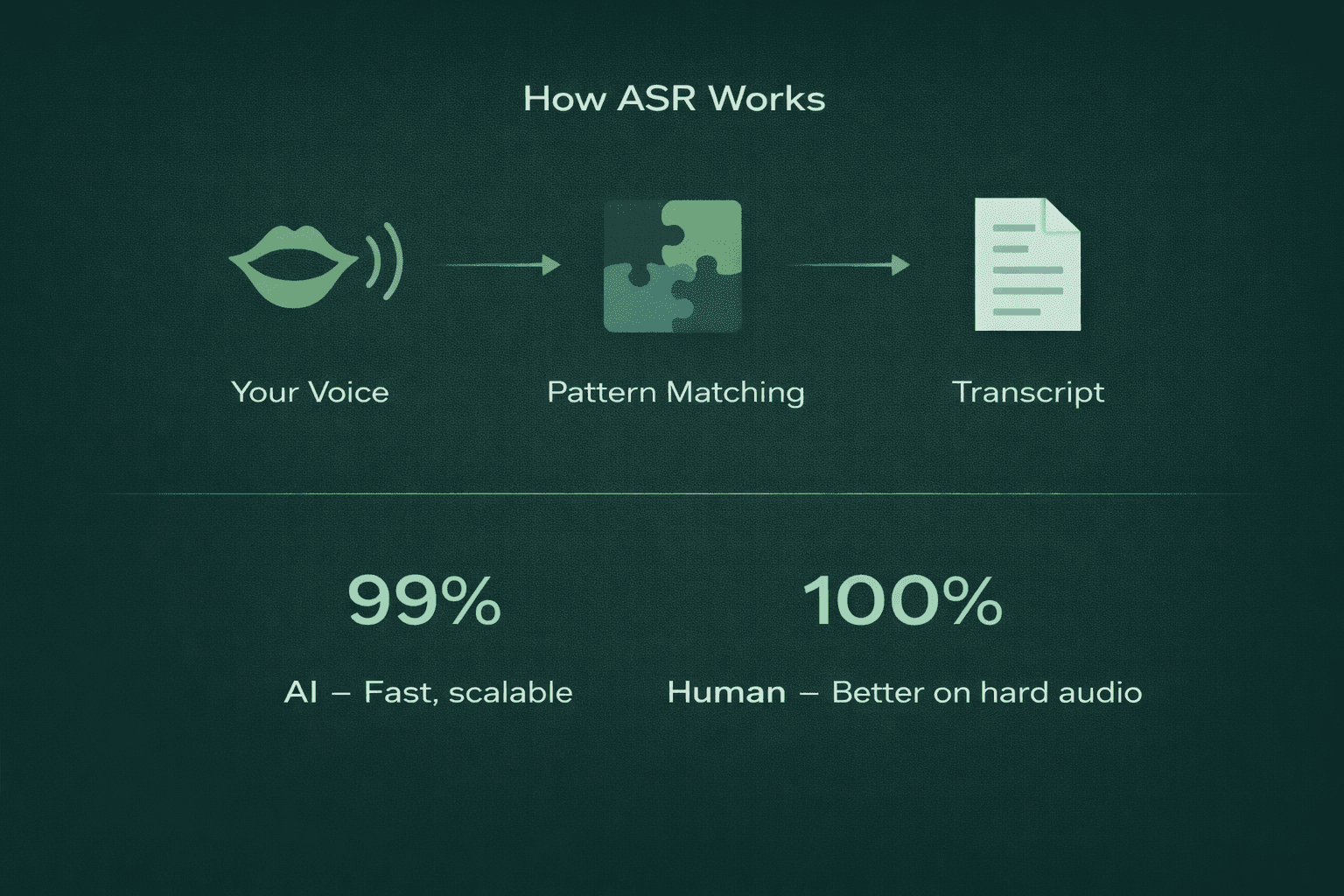
The magic behind turning your voice into text is a process called automatic speech recognition (ASR). This technology analyzes the sound waves of your voice and breaks them down into tiny units called phonemes. The software then uses complex algorithms to match these phonemes to words, considering the context of the sentence to improve its guesses. It’s like a digital detective piecing together clues from your speech patterns.
Modern systems use machine learning and natural language processing to get even smarter. They learn from vast amounts of audio recordings to better understand different accents, dialects, and speaking styles. This continuous learning allows the software to handle real time conversations with impressive accuracy, distinguishing between speakers and even filtering out some background noise.
But how accurate is automatic transcription compared to manual options? While AI has made huge strides, human transcribers can still have an edge in complex situations with poor audio quality or heavy accents. However, for clear recordings, top AI tools can achieve up to 99% accuracy, making them faster and more cost-effective than manual transcription for most use cases
The Growing Importance of AI Transcription Services
The demand for AI transcription software is skyrocketing, and for good reason. With the rise of remote work, online meetings have become the norm. Transcribing these meetings automatically provides a perfect record, ensuring no important details or decisions are lost. It allows team members who couldn't attend to catch up quickly and helps everyone stay aligned.
Beyond just creating meeting notes, these services are transforming how we interact with technology. Voice commands are now a standard feature in many applications, allowing for hands-free operation and improved accessibility. This shift makes technology more inclusive for people with disabilities and more convenient for everyone else.
As a result, AI transcription is becoming a must-have, not a nice-to-have. It offers a reliable and efficient alternative to human transcribers for many tasks. What is the best transcription software for converting audio to text? It depends on your needs, but the growing market means there are more powerful and specialized options available than ever before.
Benefits of Using Speech-to-Text Transcription Software
Adopting speech-to-text software brings a host of benefits that can transform your daily workflow. The most obvious advantage is the significant time savings. Instead of spending hours manually typing out notes from audio files, you can get a complete transcript in minutes. This frees you up to focus on more strategic tasks.
This efficiency leads to better organization and accountability. With a searchable text record of every conversation, you can quickly find key information, decisions, and action items. No more relying on memory or disorganized meeting notes. The improved transcription accuracy of modern tools ensures that this record is dependable.
Here are a few key benefits you can expect:
Increased Productivity: Automate the note-taking process and save hours of manual work.
Enhanced Accessibility: Provide text-based alternatives for audio and video content, making it accessible to a wider audience.
Improved Collaboration: Easily share searchable transcripts with your team to ensure everyone is on the same page.
Actionable Insights: Quickly identify key points, tasks, and follow-ups from meetings to drive your projects forward.
How to Choose the Best Transcription Software for Your Needs
With so many options on the market, choosing the right software can feel overwhelming. The key is to start by defining your primary use case. Are you a student recording lectures, a podcaster editing video files, or a manager documenting team meetings? Your specific needs will determine which of the best tools is right for you.
Once you know what you need, take advantage of a free trial. Almost every major service offers one, giving you a chance to test its accuracy, interface, and features with your own audio. Don't just rely on marketing claims; see for yourself how the software performs. This hands-on experience is the best way to make a confident decision.
Let’s take an overview of 10 Speech-to-Text Transcription Software Picks for 2026.
Smallest AI – Best for Real-Time Voice Workloads
Smallest AI’s Pulse STT is a powerful speech-to-text application designed to capture meeting notes and other voice conversations with exceptional clarity. It excels in handling real time voice workloads, making it perfect for live meetings, sales calls, and team check-ins. By automating the note-taking process, Smallest AI improves productivity and ensures that no critical details are missed. The platform's advanced voice recognition can accurately identify different speakers and understand complex conversations, turning spoken words into structured, actionable text.
One of the most significant advantages of Smallest AI is its commitment to privacy. Unlike many cloud-based tools, it can process audio locally on your device and works offline, ensuring your conversations remain confidential. The audio recording is automatically deleted once the live transcription is complete. This bot-free approach means it runs quietly in the background without any intrusive bots joining your calls, providing a seamless experience across any meeting platform.
Standout Features and Use Cases
What is the best transcription software for converting audio to text? For those who need more than just a raw transcript, Smallest AI stands out. It doesn't just convert speech; it understands it. The software automatically identifies key insights, decisions, and action items, organizing them into a clean, easy-to-read summary. This is a game-changer for anyone who needs to quickly digest the outcomes of a long meeting.
The use case for Smallest AI is broad, serving anyone who relies on spoken communication. For sales teams, it can capture customer feedback and suggest follow-up actions. For project managers, it tracks tasks and decisions. Its ability to handle different speech patterns and industry jargon makes it highly adaptable. The powerful AI search also lets you ask questions about past meetings and get instant answers.
Key features include:
AI-Generated Summaries: Turns conversations into structured notes with key points and action items.
Speaker Identification: Accurately attributes dialogue to the correct participants.
Customizable Templates: Structures meeting notes according to predefined formats for different meeting types.
AI-Powered Search: Allows you to quickly find information across all your past transcripts.
Performance for Live Transcription Tasks
When it comes to live transcription, performance is everything. You need a tool that is both fast and accurate, and Smallest AI delivers on both fronts. It provides real time transcription that keeps pace with natural conversation, allowing you to follow along as the meeting happens. Which transcription tools offer real-time note-taking features? Smallest AI is a leader in this category, providing a seamless experience for live events.
The system is designed to achieve high accuracy even in challenging environments. It can navigate conversations with multiple speakers, varied accents, and a moderate amount of background noise without a significant drop in transcription quality. This reliability ensures that the live transcript is a trustworthy reference during and after the meeting.
Because it processes audio directly from your system, it avoids the latency and potential connectivity issues of cloud-only services. This on-device processing contributes to its speed and stability, making it a dependable choice for your most important real time transcription tasks. The result is a clean transcript that requires minimal cleanup.
Pulse STT Pricing and Integration Capabilities
Sonix – Best for Professional-Grade AI Transcription
Sonix has established itself as a leader in the AI transcription industry, renowned for its exceptional transcription accuracy and speed. It is the go-to choice for professionals who demand flawless transcripts for their audio and video files. The platform's advanced Automatic Speech Recognition (ASR) technology consistently delivers results with up to 99% accuracy, significantly reducing the time spent on manual edits. Supporting over 53 languages, Sonix is also a top contender for users working with multilingual content.
Beyond just creating text, Sonix provides a suite of AI analysis tools that help you extract more value from your content. It can automatically generate summaries, identify themes, and detect sentiment, turning a simple transcript into a source of deep insights. With enterprise-grade security features, Sonix is a trusted solution for legal firms, media companies, and researchers who handle sensitive information and require a secure, professional use platform.
The Standard Plan is priced at $10 per hour and is best suited for occasional users who need flexibility without long-term commitments. The Premium Subscription costs $5 per hour, along with a $22 monthly platform fee, making it ideal for regular users looking for the best balance between cost and value. For larger teams and organizations with advanced requirements, the Enterprise Subscription offers custom pricing and is designed for those who need enhanced security, higher scale, and tailored features.
Otter.ai – Best for Meeting Notes & Team Collaboration
Otter.ai has become a popular choice for teams, particularly for its strength in generating real-time meeting notes. Its core feature is the ability to transcribe conversations as they happen, making it an excellent digital assistant for meetings, interviews, and lectures. The platform excels at identifying different speakers and organizing the conversation into a clear, easy-to-follow transcript. This live feedback allows teams to capture action items and key decisions on the fly.
Designed with team use in mind, Otter.ai offers powerful collaboration features. Team members can highlight, comment on, and edit transcripts together, ensuring everyone is aligned. The Otter Assistant can automatically join and record meetings from your calendar on platforms like Zoom, Google Meet, and Microsoft Teams, even if you can't attend. After the meeting, it can generate automated meeting summaries to share with the team, making it a complete solution for collaborative work.
Otter.ai’s Plans & Access for Teams
Otter.ai provides several plans to suit different needs, including a generous free plan. Can you recommend top free transcription tools for beginners? Otter's free offering is a great starting point, as it includes a decent amount of transcription minutes per month and access to its real-time note-taking features. This allows individuals and small teams to experience the core benefits without any upfront cost.
For more demanding users and larger teams, the paid plans offer more transcription minutes, advanced features, and better collaboration tools. These plans are designed to scale with your organization, providing features like team-wide custom vocabulary and centralized billing. The pricing is competitive, making it an accessible choice for businesses looking to improve their meeting workflow.
Here’s a look at what the plans typically offer:
Free Plan: Perfect for individuals to try out the service with limited monthly transcription minutes.
Pro Plan: Aimed at professionals who need more transcription hours and advanced import/export options.
Business Plan: Designed for team access and collaboration, with centralized management and user administration.
Rev – Best for Human-Verified Accuracy
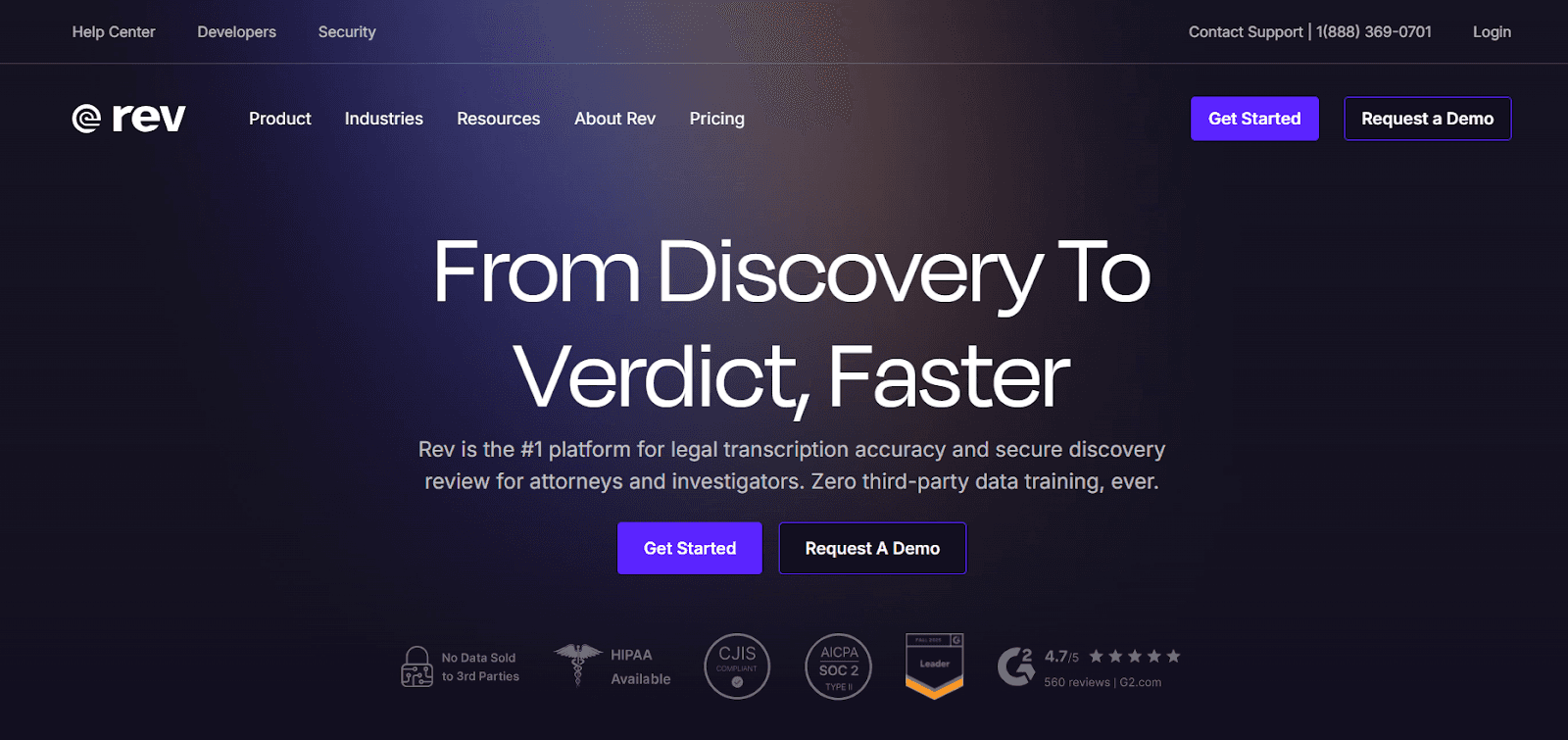
Rev is a well-known name in the transcription world, offering a unique hybrid approach. While it provides an automated AI transcription service, its standout offering is human-powered transcription. This service guarantees 99% accuracy, making it the best choice for projects where precision is non-negotiable. If you need legally admissible transcripts, publishable content, or research data, Rev's human transcribers deliver exceptionally accurate transcripts you can trust.
The process is straightforward: you upload your audio files, and a professional human transcriptionist gets to work. Rev's network of experts is skilled at handling difficult audio, including files with heavy background noise, multiple speakers, and strong accents. While the cost is higher and the turnaround time is longer than AI-only services, the quality guarantee provides peace of mind for high-stakes projects. This makes Rev an excellent choice when you can't afford any errors.
Rev has built a strong reputation in the transcription space, but its offering may not suit teams looking for speed and cost efficiency. Human transcription costs $1.99 per minute (~$120/hour), making it significantly more expensive than AI-powered alternatives.
Its automated transcription claims 95% accuracy, yet accuracy can drop in practical use cases involving noisy audio, multiple speakers, or specialized terminology.
Descript – Best for Podcasts & Audio/Video Editing
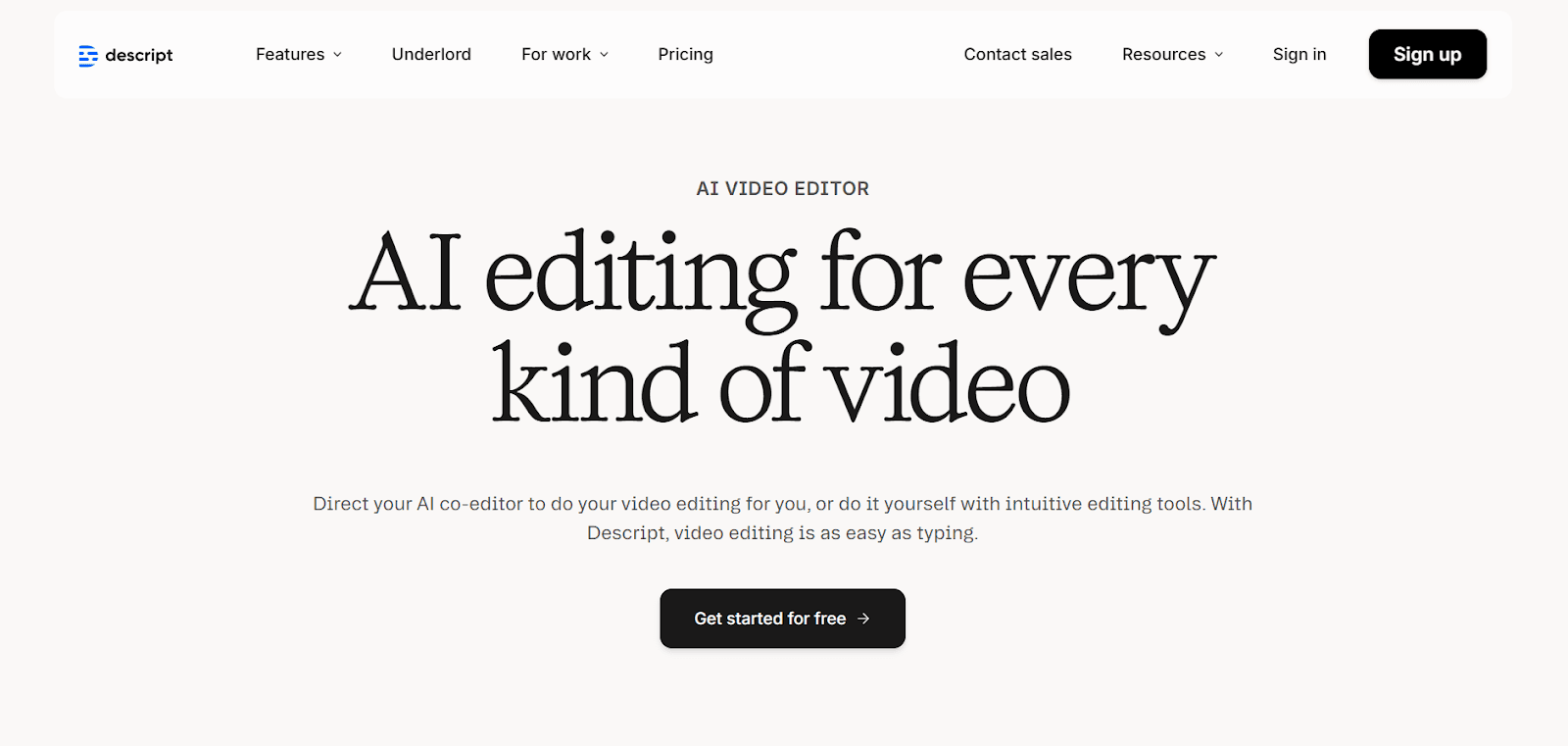
Descript offers a revolutionary approach to audio and video editing that is perfect for podcasters, YouTubers, and other content creators. It's an all-in-one platform where transcription is just the beginning. The core concept is simple but powerful: Descript automatically transcribes your video files, and then you can edit the audio or video simply by editing the text transcript. Deleting a word or sentence in the text removes the corresponding audio or video clip, making editing as easy as working in a word processor.
This text-based editing workflow dramatically lowers the learning curve for content creation. You don't need to be an expert in complex editing software to produce a professional-sounding podcast or video. The web app also includes features like automatic filler word removal, AI-powered voice cloning, and screen recording, making it a comprehensive toolkit for creators.
Happy Scribe – Best for Multilingual Transcription & Subtitles
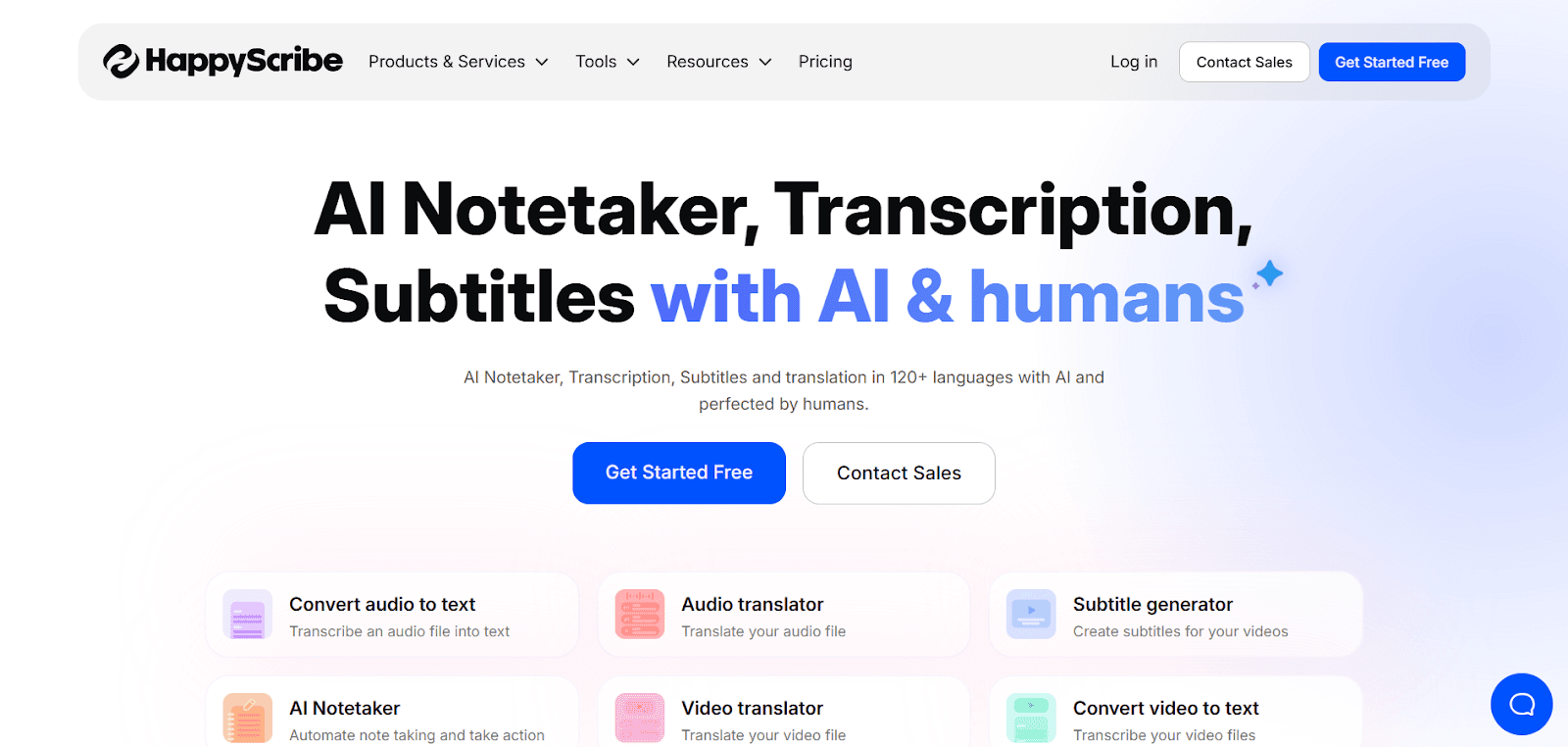
Happy Scribe is a versatile transcription platform that stands out for its extensive multilingual support. It offers both automated and human-powered transcription services in over 120 languages and accents, making it an excellent choice for content creators and businesses with a global reach. If you need to create subtitles for video files or transcribe interviews conducted in different languages, Happy Scribe provides a centralized solution.
The platform is designed to be user-friendly, with a simple interface for uploading files and editing transcripts. Its automated service achieves around 85% accuracy, which is suitable for many use cases but may require some manual cleanup. The primary strength of Happy Scribe lies in its breadth of language support and its dedicated tools for subtitle generation, which enhances the accessibility of your video content for international audiences.
Happy Scribe offers human transcription, but at a premium cost of $120 per hour, which may be difficult to justify for frequent or large-scale use. The free trial is restrictive as well, allowing only 10 minutes of transcription and adding watermarks to exports.
Trint – Best for Newsroom Workflow & Collaboration
For developers and businesses looking to build their own voice-enabled applications, a speech-to-text API is the way to go. Instead of a ready-made app, these platforms provide the underlying speech recognition technology that you can integrate directly into your products. Companies like AssemblyAI, Deepgram, and Google Cloud Speech-to-Text offer powerful, developer-friendly APIs that are scalable and customizable.
These platforms are the engines behind many of the transcription apps you see on the market. They offer advanced features like real-time streaming, speaker diarization, and custom vocabulary training. Choosing an API gives you maximum control over the user experience and allows you to tailor the speech recognition capabilities to your specific needs, whether you're building a meeting assistant, a voice-controlled device, or a media analysis tool.
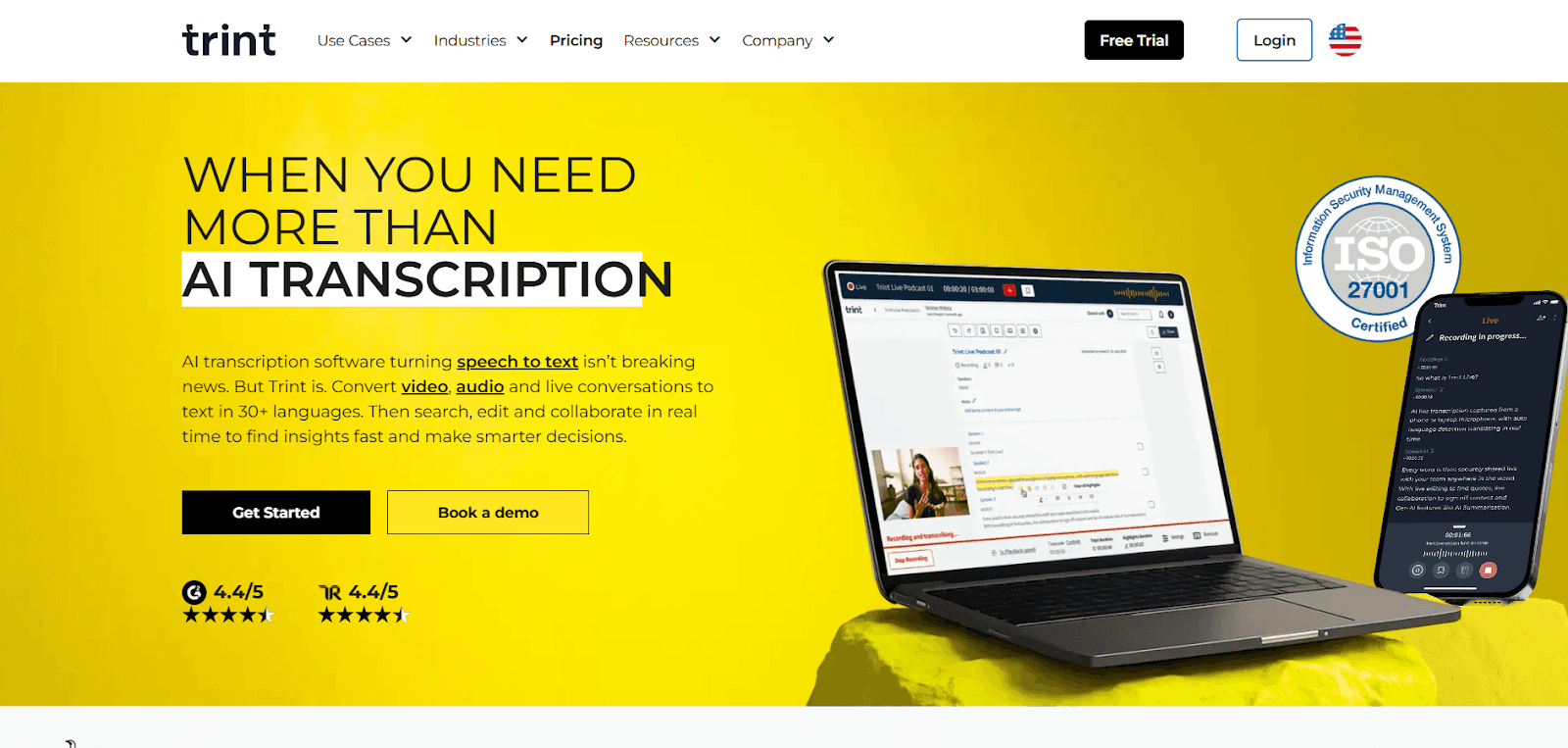
Trint’s pricing model can be confusing, particularly its Advanced Plan, which is marketed as “unlimited” but operates under undisclosed fair-use limits. Many users encounter daily transcription caps without clear visibility into how much audio they can process. In addition, Trint’s AI capabilities remain fairly basic, focusing mainly on summaries and lacking more advanced features such as sentiment analysis or entity recognition.
AssemblyAI – Best for Developers (Speech-to-Text API)
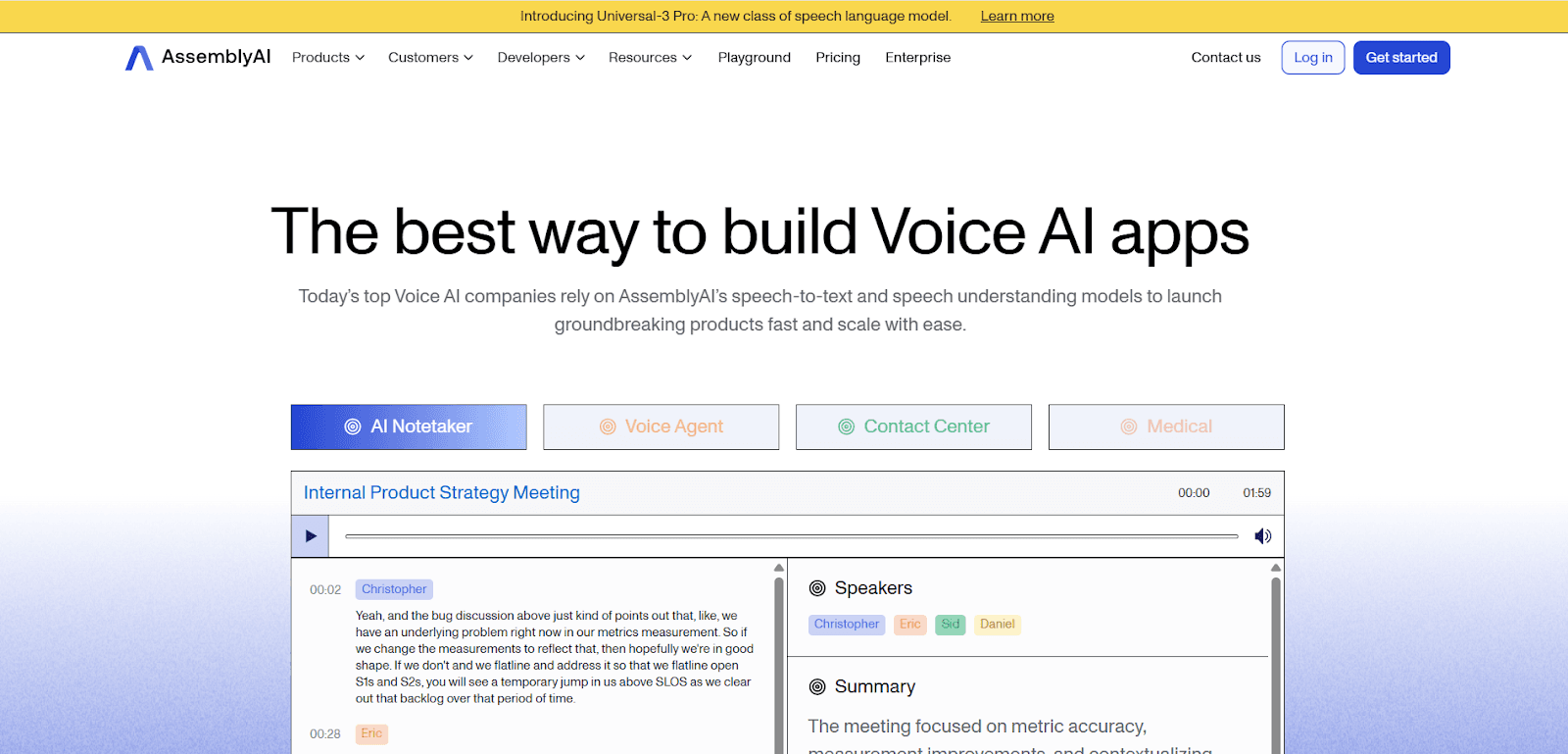
AssemblyAI has quickly become a favorite among developers for its easy-to-use API and comprehensive set of AI models. It is designed to be developer-friendly, with clear documentation and a straightforward integration process. The platform goes beyond simple transcription, offering a suite of Audio Intelligence models that can perform tasks like summarization, sentiment analysis, and topic detection.
The API supports both real-time streaming for live transcription and asynchronous transcription for pre-recorded files. Its voice recognition models are highly accurate and can be fine-tuned for specific use cases. Wondering how to integrate transcripts with case management software? With an API like AssemblyAI, you can build a custom integration that pipes transcript data directly into your system.
AssemblyAI follows a pay-as-you-go model, charging roughly $0.00025 per second (~$0.15 per minute) for standard transcription, with higher costs for optional AI add-ons like sentiment analysis. The pricing is generally competitive within the API-based STT market.
However, unlike self-hosted or open-source options such as running Whisper models in-house, costs grow linearly with usage — though this trade-off comes with the benefit of a fully managed and regularly updated service.
Deepgram – Best Developer-Focused ASR Platform for Voice AI
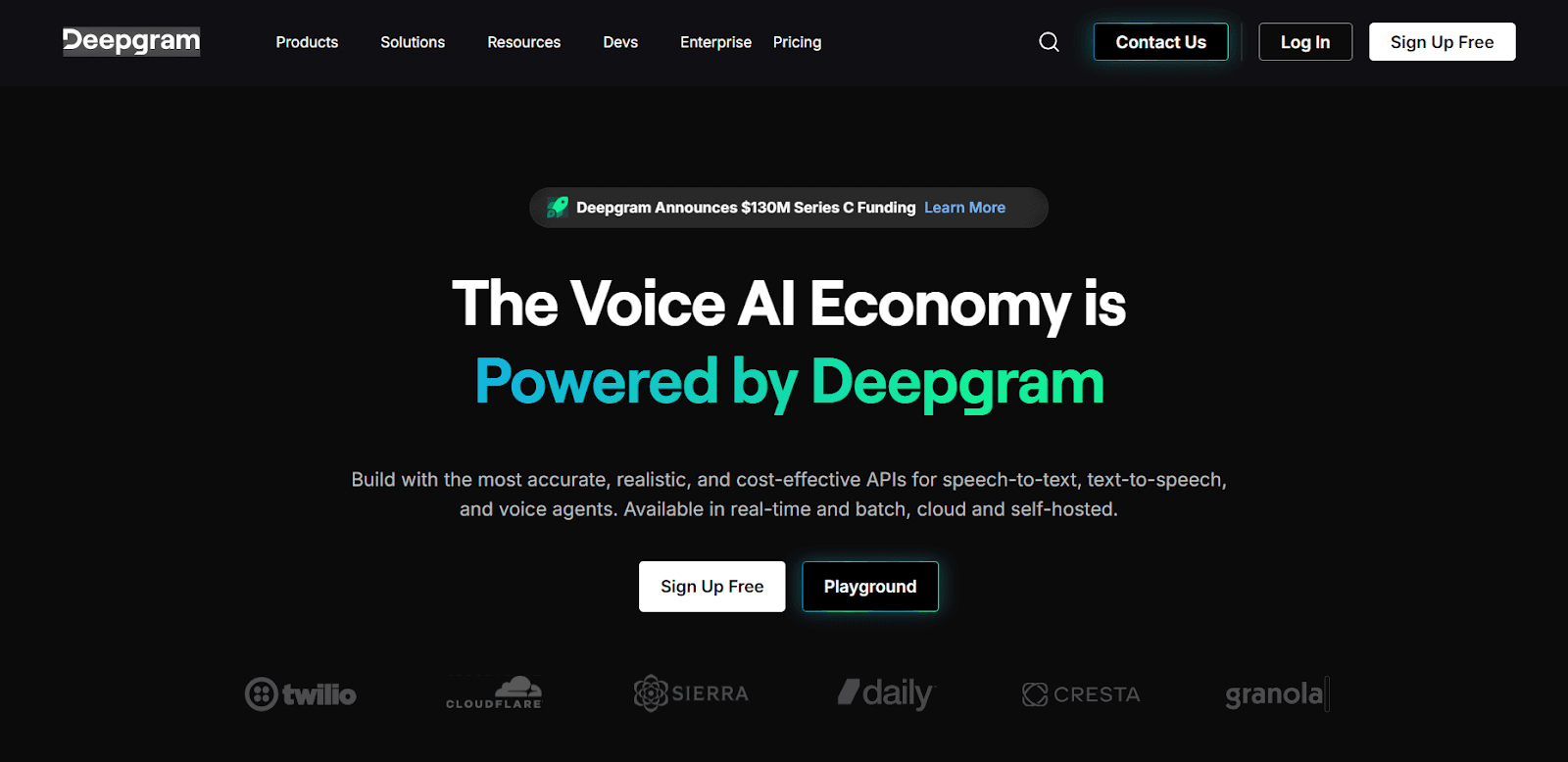
Deepgram is a developer-focused ASR platform that prioritizes speed, accuracy, and customization. It is known for its high-performance speech recognition models, which are among the fastest and most accurate available. What is the best transcription software for converting audio to text in a custom application? Deepgram is a strong candidate, especially if you need to handle high volumes of audio with low latency.
The platform's key differentiator is its deep learning approach, which allows for extensive model customization. You can train your own speech models on your specific audio data to achieve unparalleled accuracy for your domain, whether it's medical terminology, financial jargon, or unique product names. This is ideal for businesses that need to transcribe audio with a high degree of background noise or specialized language.
Deepgram offers a powerful solution for developers who refuse to compromise on performance. Its AI transcription software is built to handle the most demanding use cases, from real-time call center analytics to broadcast media monitoring, ensuring high accuracy every time.
Deepgram uses pay-as-you-go pricing, including a free tier for development. Standard transcription costs roughly $0.0013 per second (~$0.078 per minute), while enhanced models are priced higher at about $0.0015 per second, with real-time streaming billed differently. The pricing is generally competitive, and volume discounts are available. However, larger plans and on-prem deployments typically require contacting sales.
Google Cloud Speech-to-Text – Best for Large-Scale Cloud Integrations
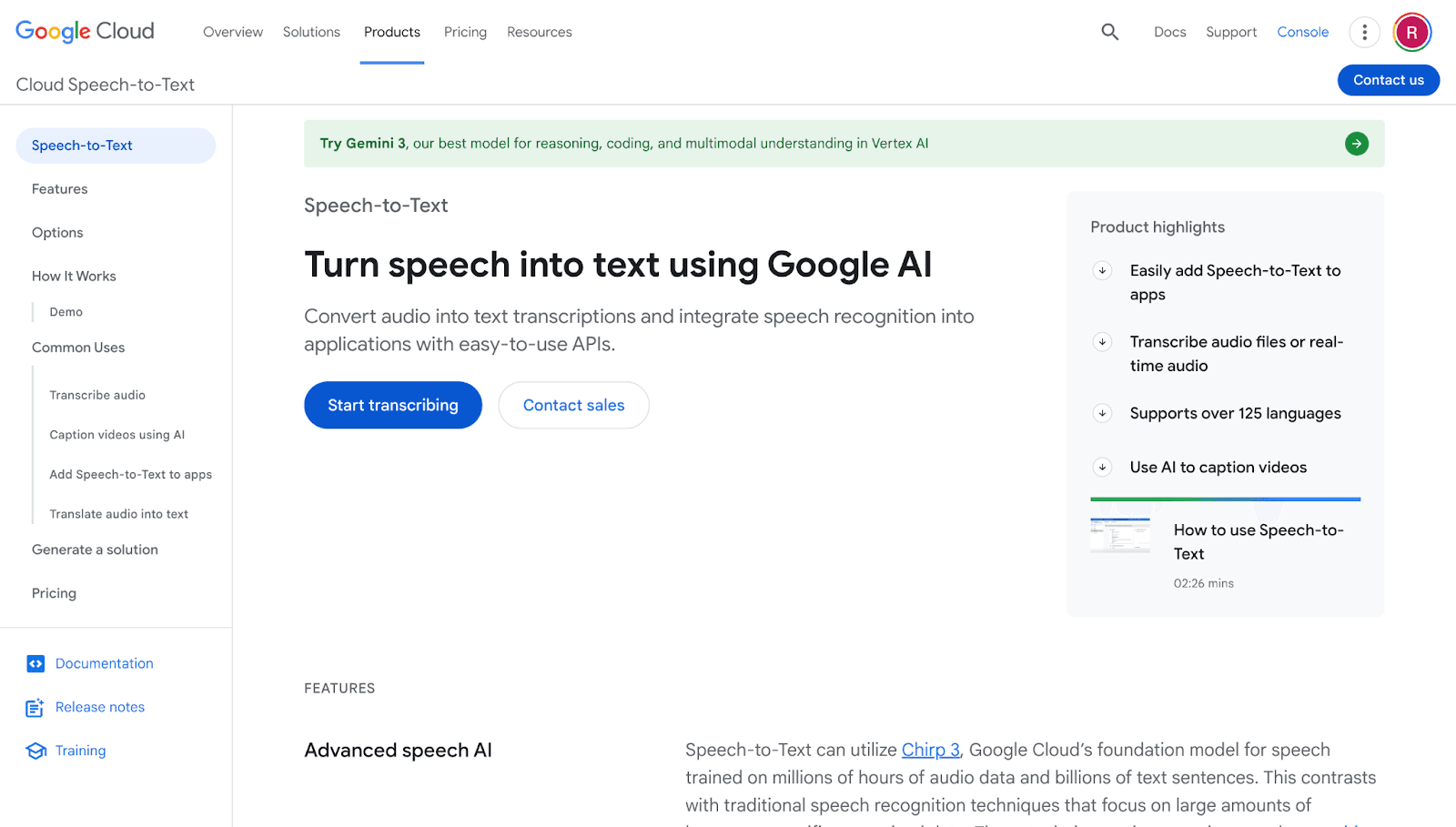
As part of the Google Cloud ecosystem, Google Cloud Speech-to-Text offers enterprise-grade scalability and reliability. It is an excellent choice for businesses that are already invested in the Google Cloud platform or require a solution that can handle massive volumes of audio data. The service leverages Google's advanced machine learning research to provide highly accurate transcription in over 125 languages.
Is there transcription software that integrates with cloud storage solutions? Google's service integrates seamlessly with Google Cloud Storage, making it incredibly easy to transcribe large batches of files. It offers several pre-trained models optimized for different use cases, such as video, phone calls, and voice commands. You can also customize models to recognize specific words or phrases.
For large-scale enterprise applications, Google Cloud Speech-to-Text provides the robust infrastructure and security needed to deploy with confidence. Its scalability makes it a go-to for companies that need to process unpredictable or rapidly growing transcription workloads, ensuring consistent performance.
Google’s speech-to-text pricing is usage-based, with a free tier that includes 60 minutes of audio per month. After that, pricing per minute is comparable to other major STT providers, with volume discounts generally negotiated through Google sales at large scale.
However, pricing can become complex, as premium and specialized models cost more. For instance, video transcription is priced higher than the default model. Standard English transcription on the default model costs roughly $0.006 per 15 seconds (~$0.024 per minute), with enhanced models carrying additional charges.
Conclusion: Choosing the Right Transcription Tool
Transcription technology in 2026 offers a rich landscape of tools, each with its own strengths. The best choice ultimately depends on your specific context and priorities:
Choose Smallest AI if you need real-time, enterprise-grade transcription with low latency, high accuracy across accents, and strong security for live speech-driven systems. It’s ideal for voice agents, call centers, and products that rely on live speech-to-text, especially when data control and scalability matter.
Choose Sonix or Happy Scribe for batch transcription and multilingual content. Sonix works well for fast, accurate transcripts with a clean UI, while Happy Scribe is better suited for global teams that need broad language support and optional human review.
Choose Otter.ai for meeting productivity and collaboration. These tools shine for internal meetings, summaries, and follow-ups, where speed and convenience are more important than perfect verbatim accuracy.
Choose Descript for content editing and production. It’s best for podcasts, webinars, and videos where transcription doubles as an editing interface.
Choose AssemblyAI for developer-first integrations. It’s a strong option when you want transcription embedded directly into products, with flexibility, streaming support, and additional AI insights.
Choose Google Cloud Speech-to-Text for large-scale, cloud-native applications that require broad language coverage and tight integration within the Google Cloud ecosystem. It’s well suited for enterprise products where transcription is a backend capability rather than a user-facing tool.
If transcription is central to real-time workflows, Smallest AI stands out as the most future-ready option in 2026.
Frequently asked questions
What is the best transcription software for different use cases?
Are there free AI transcription services that are reliable?
How secure is speech-to-text transcription software with sensitive data?
Which AI transcription software is best for real-time speech-to-text and live voice applications?