Understanding Customer Service Automation: Pros, Cons, and Tips

Explore the pros and cons of customer service automation, with insights on how businesses can improve efficiency, customer satisfaction, and reduce costs.
Customer service teams today face a growing challenge: how to deliver fast, effective, and personalized support without overwhelming their staff or increasing costs. For businesses in sectors like e-commerce and healthcare, where customer expectations are rising, scaling customer service while maintaining quality is not easy.
This is where customer service automation comes in. Research on AI-driven customer service automation shows that service professionals utilizing generative AI save more than 2 hours each day. But while automation offers promising benefits, it’s not without its challenges.
This blog will explore the pros and cons of customer service automation, helping businesses understand how to implement AI-driven solutions effectively. Let’s get started.
Quick Recap
Boosts Efficiency: Customer service automation handles high-volume tasks, ensuring quick, quality responses without overloading your staff.
Enhances Customer Satisfaction: By offering 24/7 support, faster resolutions, and personalized experiences, customer service automation improves overall satisfaction through AI-driven insights.
Supports Human Agents: Automation handles routine tasks, allowing agents to focus on more complex issues that require empathy and problem-solving.
Scalable & Cost-Effective: As customer service automation grows with your business, it can handle more queries while reducing operational costs, making it both scalable and cost-efficient.
Streamlines Operations: With customer service automation, AI chatbots, IVR systems, and automated ticketing coming together to improve response times and maintain consistency.
What is Automated Customer Service?
Automated customer service uses technology to handle routine tasks, allowing businesses to deliver efficient support without requiring human intervention for every interaction.
It’s designed to improve speed, reduce costs, and streamline operations. While automation can handle repetitive tasks, human agents remain essential for addressing more nuanced or complex issues that require empathy and judgment.
Why is Customer Service Automation Important?
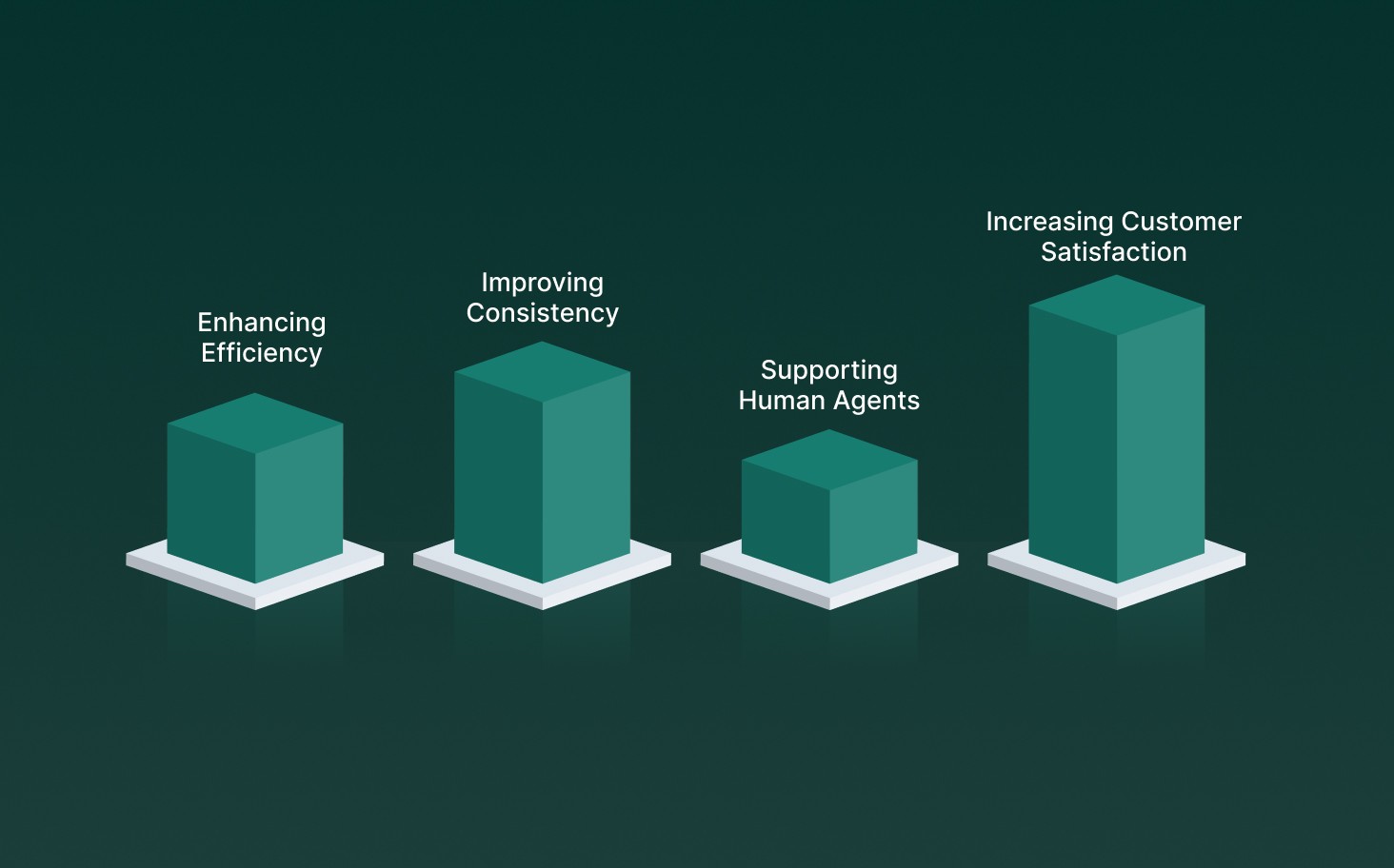
With limited resources, companies must find ways to deliver top-tier service without overwhelming their teams. Customer service automation helps achieve this by addressing several key challenges:
Enhancing Efficiency: Automation allows businesses to handle large volumes of customer queries simultaneously, reducing wait times and ensuring timely assistance, even during peak periods.
Improving Consistency: Automated systems follow defined rules, ensuring that every customer receives accurate and consistent responses, no matter when or how they reach out.
Supporting Human Agents: By automating repetitive tasks, human agents can focus on more complex issues, leading to more impactful customer interactions and higher employee satisfaction.
Increasing Customer Satisfaction: Faster response times, 24/7 support, and personalized assistance all contribute to a better customer experience, driving loyalty and improving retention.
Customer service automation is a strategic asset that enhances the overall customer experience while relieving pressure on support teams.
Also Read: AI Tools In Customer Support: Top 10 Ways To Use Them
Let’s look at the key areas that make automated customer service effective and how they come together.
Key Aspects of Automated Customer Service
Customer service automation can vary from simple, basic tasks to more complex operations, depending on your industry and the size of your business. When considering automated support options, here are key areas to explore:
AI Chatbots and Virtual Assistants: AI chatbots can handle a wide range of tasks, including scheduling meetings, qualifying leads, and guiding customers to support resources. By using natural language processing (NLP), they understand customer issues and provide tailored, relevant responses.
Automated Ticketing Systems: Automation can prioritize and categorize support tickets based on urgency and subject matter. By routing these tickets to the right agent or team, businesses can reduce response times and ensure that customers’ issues are addressed by the appropriate experts.
Interactive Voice Response (IVR) Systems: IVR systems greet callers and direct them to the correct department. Some advanced systems can also accept payments or respond to frequently asked questions with pre-recorded messages.
Automatic Translation for Global Support: With customers calling from around the world, automatic translation tools help bridge language barriers. This ensures real-time support for global customers, enhancing their experience and increasing retention.
Automated Notifications: With automated notifications, businesses can set reminders for follow-ups, ensuring no task is overlooked and service standards are maintained.
Customer Feedback Surveys: After resolving customer issues, automated surveys such as CSAT, NPS, or CLV can be sent at key moments. These surveys yield valuable insights that businesses can use to refine their overall customer service strategy.
Email and Social Media Auto-Responses: When customers reach out via email or social media, automated responses acknowledge their inquiry and provide initial steps or templates to address common issues.
By automating these aspects, businesses can improve efficiency, reduce response times, and maintain high service quality, enhancing the customer experience.
Also Read: Building Efficient AI Voice Bots with Smallest AI
Next, we’ll break down the specific advantages businesses can gain from automating their customer service processes.
Benefits of Automated Customer Service
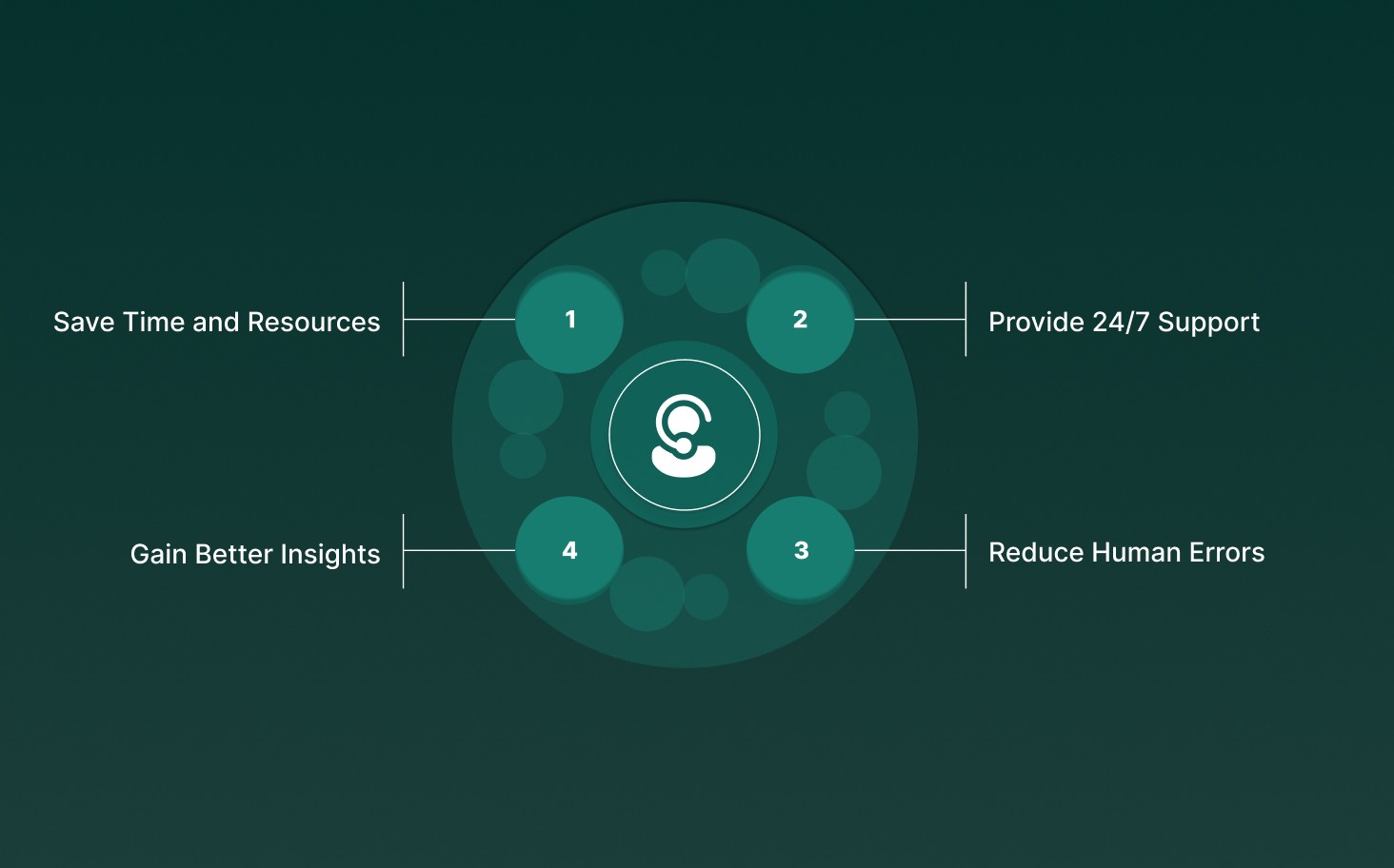
Automating customer service processes offers numerous advantages, helping businesses improve efficiency. Here’s a breakdown:
Save Time and Resources: Automated systems like ticket tagging route inquiries to the right agent, saving time for both customers and agents. This reduces wait times and improves efficiency.
Provide 24/7 Support: Automation offers round-the-clock support, handling common inquiries and proactively engaging customers, ensuring help is always available, even outside business hours.
Gain Better Insights: Automated systems generate reports and dashboards that provide insights into customer interactions, helping refine strategies and improve the overall customer experience.
Reduce Human Errors: By automating routine tasks, you minimize the risk of human errors, allowing agents to focus on complex issues, improving overall accuracy and service quality.
By automating workflows, businesses can simplify processes, free up agent time, and ultimately deliver a better, more responsive customer experience.
See how Smallest.ai enhances customer service automation with real-time, conversational AI voice agents, customizable workflows, and enterprise-grade security, designed to streamline operations while ensuring compliance. Book a demo today.
If you’re ready to implement automation, here are the essential steps to get started.
7 Key Steps to Automate Customer Service
Automating customer service processes requires careful planning and execution. Whether you're scaling a business with new offerings or focused on retaining customers, here's how to get started:
1. Determine Your Business Needs
Begin by evaluating your existing customer service processes. Identify areas where automation could have the most significant impact. The technology you choose should be flexible, adaptable, and able to meet both business and customer demands.
2. Map Your Existing Support Journey
Visualize the path customers take from first contact to issue resolution. Identify pain points, bottlenecks, and repetitive tasks that can be automated. Pinpoint where human agents can add the most value, and focus automation on the predictable, rule-based steps in the support journey.
3. Identify Tasks to Automate
Focus on high-volume, repetitive tasks that your team spends most of its time on. Simple tasks like greeting customers, verifying accounts, or handling basic inquiries are ideal for automation.
4. Choose the Right Workflows to Automate
Prioritize areas like status updates, password resets, or basic troubleshooting tasks that don’t require complex decision-making or human judgment. These are great starting points for businesses new to automation.
5. Align Your Team
Ensure your customer service team is trained on new tools, understands their role in managing the system, and knows who’s responsible for maintaining them when issues arise. Involve support agents early in the process, as they can identify friction points and help refine workflows.
5. Select the Right Automation Platform
Choose a platform that can support both simple and complex workflows, integrates well with your existing systems, and offers no-code functionality for quick adjustments. This way, your team can fine-tune processes without needing heavy IT involvement.
For businesses looking to take it a step further, Smallest.ai’s conversational AI and voice agents allow you to automate customer interactions with human-like responses, enhancing engagement while seamlessly integrating into your existing customer service systems.
6. Test Before Launching
Just as businesses test new products before release, automation tools need thorough testing. Make sure everything functions as expected, delivering the same high-level service customers expect from live agents.
7. Launch, Measure, and Improve
Once your automation system is live, track key metrics such as response speed, resolution time, customer satisfaction, and agent workload. Use this data to refine and improve workflows. Look for opportunities to improve your automation strategy based on real-world usage and customer feedback.
Following these steps helps businesses scale operations, enhance customer satisfaction, and streamline workflows.
Also Read: How to Build Voice Agents for Logistics and Supply Chain
While automation has its perks, it’s also important to consider the potential downsides.
Disadvantages of Automating Customer Service
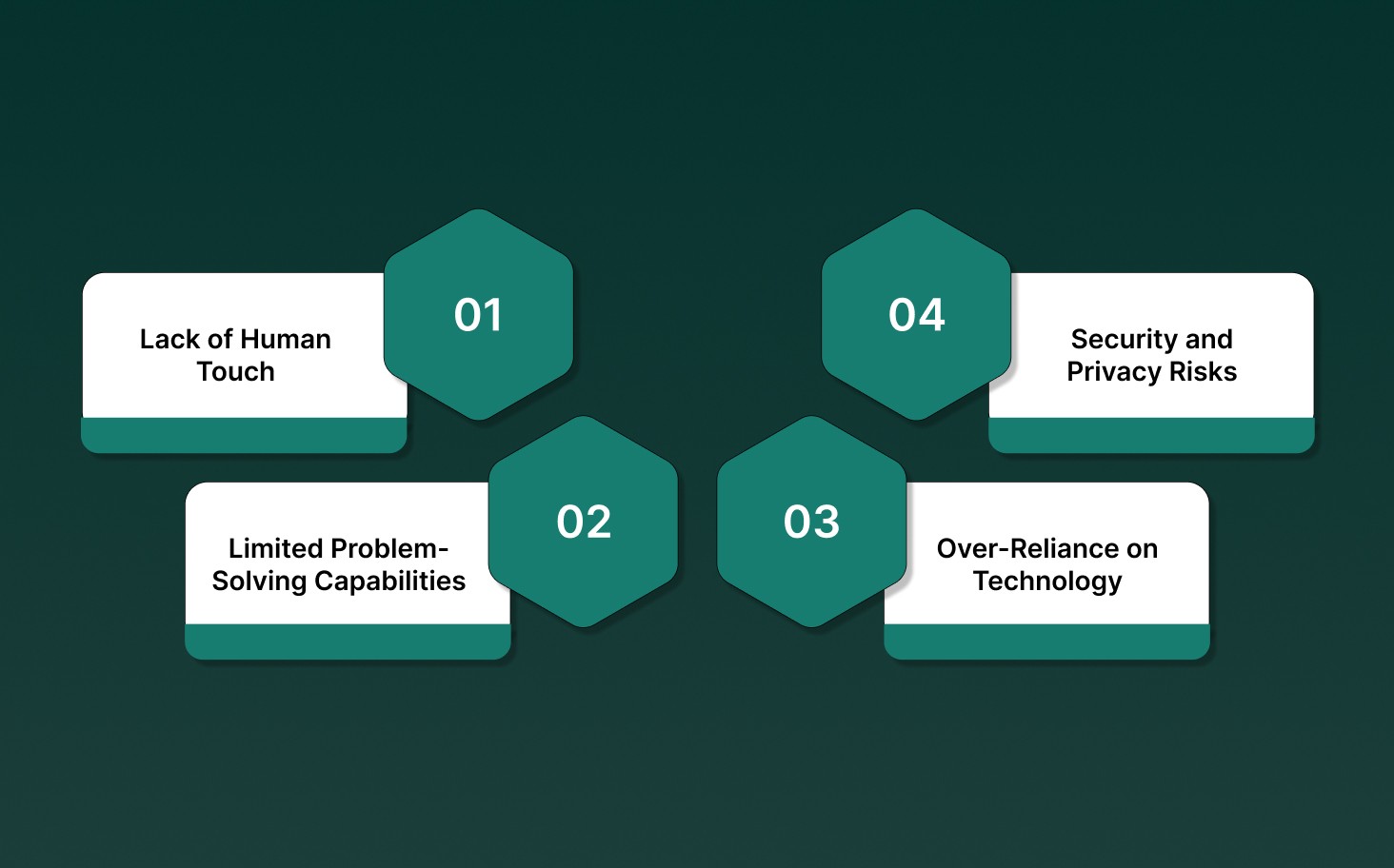
While customer service automation offers significant advantages, it’s important to be mindful of its limitations. Here’s a closer look at the challenges businesses may face:
Lack of Human Touch: Even with advanced technology, AI can feel impersonal. It struggles to provide the empathy and nuanced understanding that customers, particularly those frustrated or upset, need to feel heard and valued.
Limited Problem-Solving Capabilities: AI excels at handling routine inquiries, but when faced with complex, unique problems, it can falter. Customers with unusual issues often find themselves stuck in an endless loop of ineffective responses.
Over-Reliance on Technology: Over-relying on automation may reduce essential human interaction skills within your team. This can lead to a detachment from customers, ultimately eroding the personal connections that drive loyalty.
Security and Privacy Risks: Handling customer data through automated systems raises significant privacy concerns. Companies must ensure they comply with data protection regulations to safeguard sensitive information.
Automating customer service can bring immense benefits, but it’s essential to approach it with a clear understanding of these drawbacks.
Looking ahead, here’s where customer service automation is headed and how it will continue to advance.
The Future of Customer Service Automation
As AI, machine learning, and natural language processing (NLP) technologies advance, customer service will become more intelligent and adaptive. Here are some key developments shaping the future of customer service automation:
Predictive Customer Support: AI will shift from reactive to proactive by predicting customer issues before they arise. It will analyze data patterns, like browsing behavior and purchase history, to anticipate needs, such as a subscription about to expire or an upcoming technical issue.
Autonomous Support Agents: AI will handle more complex, context-sensitive queries. These autonomous agents will understand tone, intent, and emotions, enabling more personalized and effective responses.
Multimodal Support: Automation will expand beyond just text and voice, integrating image recognition and video analysis. This will allow customers to send pictures or videos for troubleshooting, especially useful in industries where visual assessments are often necessary.
Robotic Process Automation (RPA): In the back office, RPA automates repetitive tasks such as order processing, inventory management, and data entry, improving accuracy and operational efficiency. This will allow front-line agents to focus on solving customer problems.
Automation as a Competitive Advantage: As customer service automation becomes more sophisticated, businesses will use it not just to improve efficiency, but to differentiate themselves. By providing faster, more personalized service, companies can gain a competitive edge in the marketplace.
Investing in these advancements helps businesses meet and surpass rising customer expectations, driving loyalty and setting new industry standards.
To make the most of automation, Smallest.ai offers powerful solutions tailored to enhance your customer service strategy.
Supercharge Your Customer Service Automation with Smallest.ai
Smallest.ai makes it easy to integrate automated customer service solutions that are customizable and scalable to meet your business's unique needs. Here’s how we help:
Real-Time Conversational AI: Automate responses and handle complex queries across industries like e-commerce, healthcare, debt collection, and logistics with AI-driven voice agents.
Speech-to-Text for Sentiment Analysis: Convert spoken language into text and analyze customer sentiment and emotions in real-time. This capability helps you better understand customer concerns, adjust your responses to show empathy, and improve satisfaction by addressing issues faster.
Voice Cloning for Brand Consistency: Instantly clone your voice or choose from a variety of lifelike voices to ensure consistent customer interactions, saving time and enhancing content creation.
Multilingual Capabilities: With support for 16+ languages, our tools allow you to provide personalized service to customers worldwide, enhancing your global reach.
Security You Can Trust: Smallest.ai adheres to SOC 2 Type II, HIPAA, and PCI standards to protect your data, so you can confidently integrate automation into your customer service.
Scalable Automation: Whether you’re a small business or a global enterprise, our solutions are designed to scale with your growth, handling large call volumes and boosting efficiency.
Smallest.ai can help you automate routine customer interactions, enhance support with real-time voice agents, and maintain brand consistency with custom voice cloning.
Conclusion
Customer service automation is essential for businesses seeking to enhance efficiency, reduce costs, and improve customer satisfaction. By integrating AI tools such as real-time voice agents and voice cloning, businesses can deliver faster, more personalized service at scale. However, success depends on selecting solutions that automate processes and deliver meaningful, human-like interactions.
At Smallest.ai, we specialize in helping businesses deliver seamless, AI-powered customer service. Our solutions are designed to enhance every step of the customer journey, from automating routine inquiries to providing intelligent voice interactions that sound as natural as speaking to a human.
Talk to our experts to see how Smallest.ai can enhance your customer service automation, delivering faster, more efficient, and personalized support.
Frequently asked questions
What is customer service automation?
What is an example of customer service automation?
How does customer service automation improve customer experience?
Can customer service automation replace human agents?