Top AI Transcription for Live Voice Systems in 2026

Explore the top AI transcription software for real-time voice systems in 2026. Discover solutions optimized for accuracy, speed.
Voice systems tend to behave until real traffic shows up. Accents vary, people interrupt, background noise sneaks in, and transcripts start lagging behind the conversation. That moment is usually when teams realize the best transcription software is not the one that looked good in a demo, but the one that survives live usage.
For teams handling real calls, transcription sits right in the middle of operations. Errors ripple into analytics, latency breaks conversation flow, and scale quickly exposes cost and reliability gaps. The best transcription software is the one that stays accurate and fast when things get messy.
In this guide, the focus stays on how transcription performs once it becomes part of everyday voice workflows.
Key Takeaways
Production Conditions Expose Gaps: Transcription quality is only proven once systems face live traffic, interruptions, accent shifts, and noisy audio at scale.
Latency Shapes Conversation Quality: Even accurate transcription can hurt voice workflows if delays interrupt turn-taking or slow downstream automation.
Use Case Fit Matters More Than Claims: Meeting notes, media editing, customer service calls, and voice bots all require different transcription architectures.
Deployment Model Impacts Control and Cost: Cloud-based transcription favors speed and collaboration, while on-prem deployments offer tighter latency control and data sovereignty.
Scalability Determines Long-Term Viability: Transcription software must remain stable as volume grows, without accuracy drift, unpredictable costs, or constant tuning.
What Is Transcription Software?
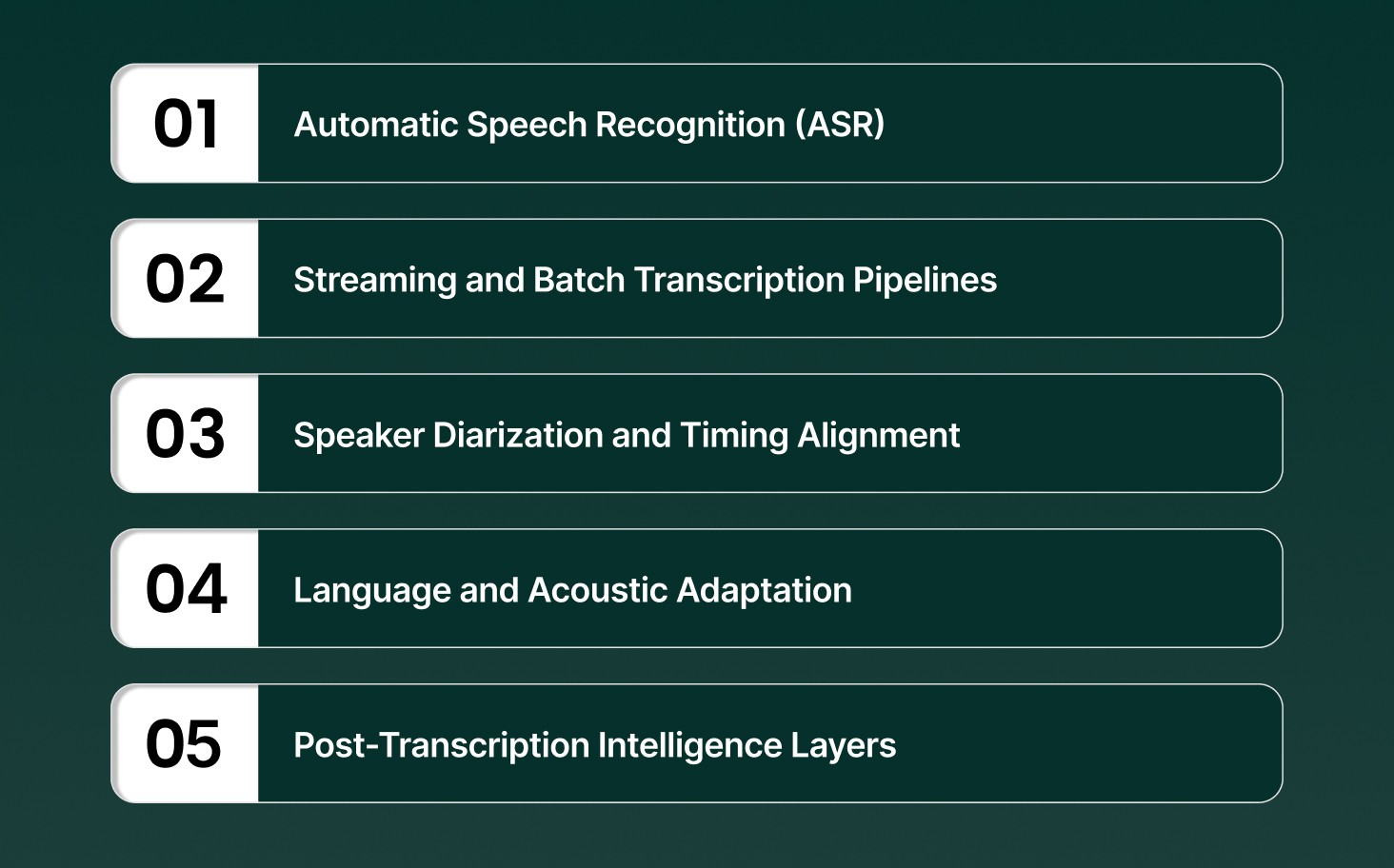
Transcription software converts spoken audio into structured text using speech recognition systems built for accuracy, speed, and production-scale workloads across live and recorded audio.
Core technical capabilities that define modern transcription software include
Automatic Speech Recognition (ASR): Neural acoustic and language models map audio signals to words, optimized for low word error rates under noise, accents, and overlapping speech.
Streaming and Batch Transcription Pipelines: Streaming pipelines generate partial transcripts in milliseconds, while batch pipelines prioritize accuracy and throughput for long-form audio processing.
Speaker Diarization and Timing Alignment: Speaker turns are detected and labeled with timestamps, allowing precise attribution in multi-speaker calls, meetings, and interviews.
Language and Acoustic Adaptation: Models adapt to domain vocabulary, pronunciation patterns, and regional accents without retraining entire systems.
Post-Transcription Intelligence Layers: Transcripts feed downstream systems for indexing, sentiment signals, compliance checks, and conversational analytics.
At its core, transcription software functions as the speech-to-text layer that powers real-time voice workflows, analytics, and automation at scale.
How AI Transcription Software Works
AI transcription software converts raw audio into structured text through a real-time processing pipeline optimized for speed, accuracy, and conversational audio, not clean studio recordings.
The end-to-end transcription process is driven by the following technical stages
Audio Ingestion and Normalization: Incoming audio streams or files are resampled, denoised, and normalized to stabilize volume, pacing, and channel inconsistencies before recognition begins.
Acoustic Feature Extraction: Waveforms are converted into spectral features that capture phonemes, timing, and speaker characteristics while filtering out irrelevant background signals.
Neural Decoding and Hypothesis Generation: Decoder models generate rolling word hypotheses, updating partial transcripts continuously instead of waiting for sentence completion.
Contextual Rescoring and Error Correction: Language models rescore outputs using conversational context, domain vocabulary, and prior turns to reduce misrecognition in live dialogue.
Incremental Output and Event Handling: Final transcripts are emitted with timestamps, speaker boundaries, and interruption markers to support real-time consumption by downstream systems.
Modern AI transcription systems behave less like document processors and more like low-latency speech engines built to keep pace with live human conversations.
Understand how modern speech recognition turns live audio into usable text and where it fits across real workflows in What is Speech-to-Text AI? Key Functionality, Features & Applications
Best Transcription Software Compared on Accuracy, Latency, and Scale
Not all transcription software behaves the same once real traffic hits. Some tools look accurate in demos but slow down live conversations. Others work fast but fall apart at scale. This section breaks down where those differences show up.
Pulse STT
Pulse STT is a production-grade speech-to-text engine built for real-time conversations, delivering industry-leading accuracy, sub-70ms latency, and reliable transcription across global languages and accents through a simple API.
Core capabilities that define Pulse STT include
Ultra-Low Latency Transcription: Delivers sub-70ms time to first transcript, supporting live, interruption-free conversations at scale.
Industry-Leading Word Accuracy: Maintains the lowest word error rates across 30+ languages, optimized for real-world conversational audio.
Multi-Language and Dialect Coverage: Supports speech-to-text transcription in 36 languages across the Americas, Europe, and India.
Auto Language Detection and Code Switching: Identifies dominant spoken language automatically and handles mixed-language speech within the same audio stream.
Advanced Speech Intelligence Signals: Adds speaker diarization, emotion recognition, sentiment analysis, and intelligent language identification beyond raw text.
On-Prem and Enterprise-Secure Deployment: Runs on local infrastructure for ultra-low latency, data sovereignty, and compliance with SOC 2 Type II, HIPAA, PCI, and ISO standards.
Best use for: Real-time customer conversations, high-volume production voice workloads, multilingual contact centers, and enterprises requiring low latency, high accuracy, and strict data control.
See how Pulse STT keeps live conversations flowing with sub-70ms latency, consistent accuracy across accents, and deployment control built for real production voice systems.
ElevenLabs
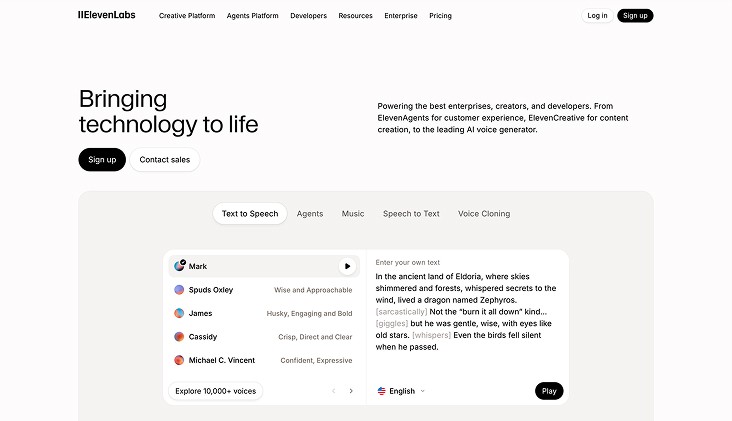
ElevenLabs offers speech-to-text through Scribe v2 and Scribe v2 Realtime, providing high-accuracy transcription for live and recorded audio, built on a streaming-first architecture and exposed via API.
Core speech-to-text capabilities available in ElevenLabs include
Real-Time Streaming Transcription: Scribe v2 Realtime converts live speech to text in under 150 ms, designed for agents and real-time applications.
High-Accuracy Batch Transcription: Scribe v2 transcribes uploaded audio and video files into clean, editable text for captions, subtitles, and post-production workflows.
Broad Language Coverage: Supports speech-to-text across 90+ languages, handling diverse accents, dialects, and recording conditions.
Speech Segmentation and Context Signals: Includes voice activity detection, speaker identification, entity detection, and dynamic audio tagging for richer transcripts.
Best use for: Live voice agents, real-time applications, and recorded media workflows that require fast transcription, broad language coverage, and API-based integration.
Poly AI

PolyAI Owl is a purpose-built speech recognition model designed for enterprise customer service calls, optimized for phone audio, diverse accents, and real-time conversational accuracy.
Core speech recognition characteristics of PolyAI Owl include
Customer Service–Optimized ASR: Trained on synthesized and real customer service call data across industries such as healthcare, financial services, retail, and travel.
Phone-First Audio Performance: Built specifically for low-fidelity phone audio, handling noise, compression artifacts, and inconsistent microphone quality.
Accent and Dialect Strength: Learned from multi-geolocation training data to handle wide variation in accents and speech patterns across customer bases.
Low-Latency Streaming Recognition: Smaller, efficient model architecture optimized for real-time deployment with fast response times and natural conversational flow.
Best use for: Enterprise customer service voice agents handling high call volumes over phone lines, where accent diversity, low audio quality, and real-time responsiveness directly impact automation success.
HappyScribe
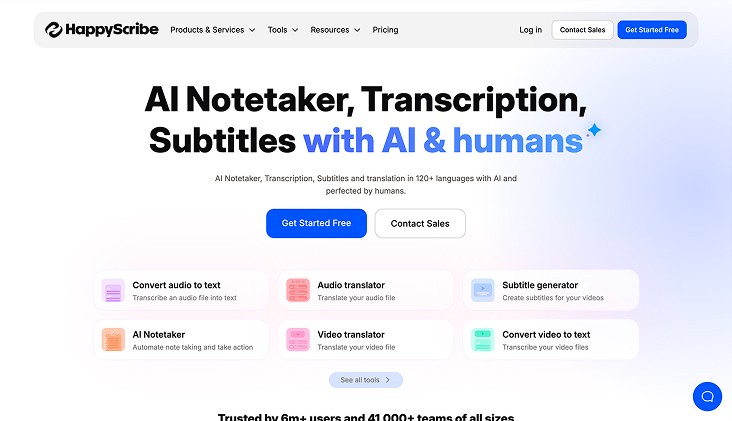
HappyScribe delivers AI-powered transcription, subtitles, and translation across audio and video, with the option to upgrade to human-edited quality for production-ready outputs at scale.
Core speech-to-text capabilities offered by HappyScribe include
Multilingual AI Transcription: Converts audio and video to text across 120+ languages and accents, supporting both AI and human-made workflows.
Meeting Notetaker Automation: Integrates with Google Meet, Microsoft Teams, and Zoom to generate transcripts, summaries, and action items automatically.
Human Quality Add-On: Upgrades AI transcripts, captions, and subtitles with professional linguists for accuracy, tone, and domain alignment.
Collaborative Editing Suite: Enables real-time editing, sharing, role-based access, glossaries, and style guides within a single workspace.
Best use for: Teams and creators handling multilingual transcription, subtitles, and translations who need scalable AI speed with optional human refinement for broadcast- or publication-ready quality.
Temi
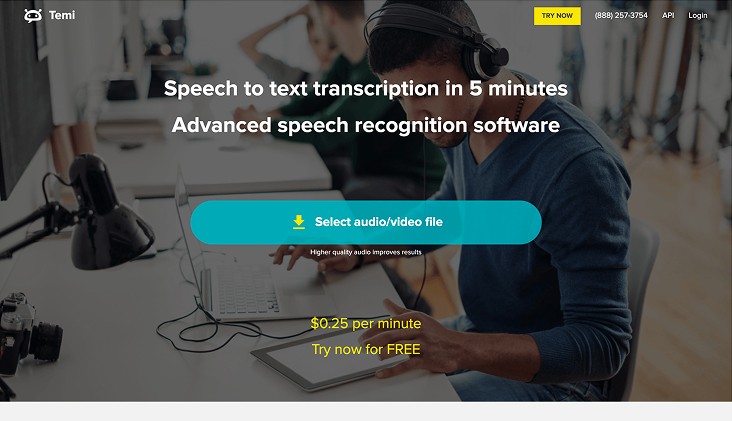
Temi is a fast, file-based speech-to-text service built for turning uploaded audio or video into editable transcripts within minutes, using a proprietary speech recognition algorithm and a simple editing workflow.
Core speech-to-text capabilities offered by Temi include
Rapid File Transcription: Converts uploaded audio or video files into text in minutes, with shorter files processed faster.
Pay-As-You-Go Pricing: Flat per-minute cost with no subscriptions, minimums, or hidden charges.
Speaker Identification: Automatically detects speaker changes and labels turns for interviews, meetings, and discussions.
Word-Level Timestamps: Tracks timing for every word, enabling precise navigation and caption alignment.
Best use for: Journalists, podcasters, content teams, and researchers who need quick turnaround transcripts from recorded audio or video, with simple editing and predictable per-minute pricing.
Sonix
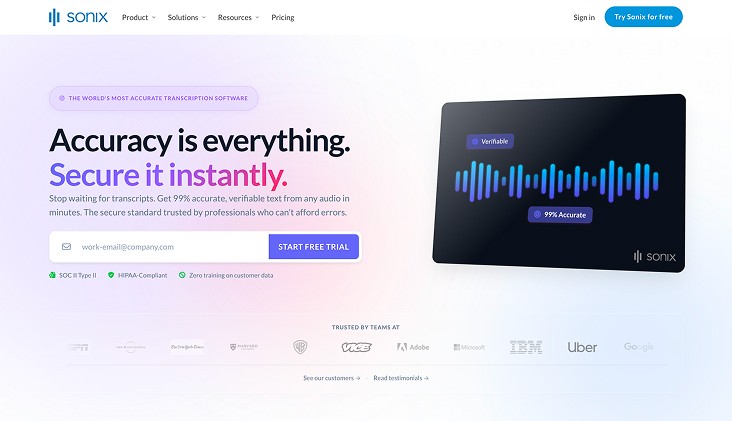
Sonix is an enterprise-focused transcription platform built for teams that need verifiable accuracy, structured outputs, and strict data controls across large volumes of audio and video.
Core speech-to-text capabilities offered by Sonix include
High-Accuracy ASR at Scale: Converts speech to text across 53+ languages with speaker labeling, designed for research, media, legal, and healthcare workflows.
Integrated AI Analysis Layer: Generates summaries, chapters, sentiment signals, and multi-transcript insights for downstream review and analytics.
Enterprise-Grade Security Controls: Uses AES-256 encryption, zero-training on customer data, and compliance with SOC 2 Type II and HIPAA standards.
Workflow and Tool Integrations: Connects with Zoom, Microsoft Teams, Adobe Premiere, Zapier, and APIs for automated ingestion and processing at scale.
Best use for: Enterprises and regulated teams that require audit-ready transcripts, structured insights, strong security guarantees, and consistent accuracy across large, multilingual audio workloads.
Descript
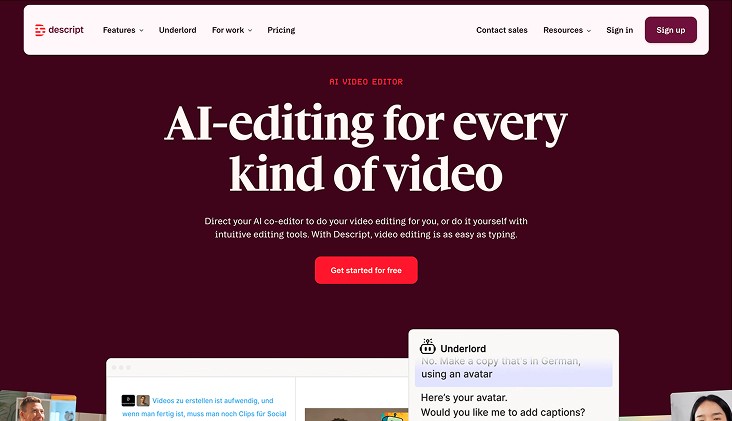
Descript is a transcription-first audio and video editing platform built for creators and teams who want to edit media by editing text, without separating transcription from production workflows.
Core speech-to-text capabilities offered by Descript include
Text-Based Media Editing: Transcripts act as the editing surface, allowing audio and video to be cut, rearranged, and refined directly through text edits.
Fast Multilingual Transcription: Converts audio and video to text across 25 languages, optimized for quick turnaround and creative iteration.
Filler Word Detection: Automatically identifies and removes filler words like “um” and “uh” from transcripts and media tracks.
Caption and Subtitle Generation: Instantly turns transcripts into time-aligned captions that stay synced with video exports.
Best use for: Podcasters, video creators, marketing teams, and content studios that need transcription tightly coupled with editing, captioning, and rapid content iteration rather than standalone speech-to-text.
Accuracy, latency, and scale decide whether transcription helps or hurts real voice workflows. Comparing tools on these signals makes it easier to spot which ones hold up in production.
Best Transcription Software by Use Case
Different transcription tools excel at different jobs. Some are tuned for meetings, others for video workflows, and others for sensitive or specialized environments. This section maps transcription software to the work it is actually designed to handle.
Common transcription use cases and the software patterns that fit them best include
Meetings and AI Notetaking: Tools optimized for live meetings focus on real-time transcription, speaker labeling, summaries, and action items, often trading language coverage for speed and convenience.
Video Editing and Content Creation: Content-focused platforms combine transcription with text-based audio and video editing, captions, redaction, and clip creation for podcasts, films, and social media.
Specialized Professional Workflows: Industry-specific tools support dictation, legal review, research analysis, or journalism, often prioritizing domain accuracy, editing control, or structured review flows.
Human and Hybrid Transcription Needs: Some platforms blend AI transcription with human review, offering higher accuracy for complex audio, uncommon languages, or compliance-heavy use cases.
Mobile and Infrequent Transcription: Lightweight tools focus on quick uploads, mobile recording, and pay-as-you-go pricing for users with occasional transcription needs.
The best transcription software depends on the job, not the headline accuracy number. Matching the tool to the workflow avoids unnecessary tradeoffs in speed, cost, and usability.
Cloud vs On-Prem Transcription Software
Choosing between cloud and on-prem transcription comes down to where audio is processed, how fast transcripts need to appear, and how much control is required over data, cost, and infrastructure.
Dimension | Cloud-Based Transcription Software | On-Prem Transcription Software |
Deployment Model | Audio is processed on external servers accessed via web or API. | Audio is processed on local servers or dedicated desktop hardware. |
Latency Profile | Performance depends on network conditions and round-trip time to the cloud. | Lower and more predictable latency due to local processing. |
Mobility and Access | Supports web, mobile, and distributed teams with access from any device. | Tied to specific machines or local environments, limiting mobility. |
Pricing Structure | Subscription or usage-based pricing that scales with volume. | Upfront licensing or infrastructure cost, often stable over time. |
Data Control and Residency | Data is handled off-site with compliance controls and retention policies. | Full data sovereignty with audio and transcripts kept inside local systems. |
Integrations and Collaboration | Strong integrations with meetings, storage, and collaboration tools. | Deeper integration with specialized local applications and workflows. |
Cloud transcription favors speed and flexibility across teams, while on-prem setups prioritize control and predictability. The right choice depends on latency tolerance, compliance needs, and how voice workloads scale in production.
Compare APIs built for real-time voice workflows and production scale in Best Speech-to-Text APIs for Voice Agents in 2026
How to Choose the Best Transcription Software
Choosing transcription software works best when decisions reflect how audio actually flows through systems and teams. The right choice depends on how speech is captured, processed, reviewed, and reused downstream.
Key decision factors that determine the right transcription software include
Primary Audio Workflow: Meeting transcription, media editing, dictation, and research analysis all require different processing models, latency behavior, and editing depth.
Tolerance for Transcription Errors: Some workflows allow light cleanup, while others require review tools, human fallback, or word-level confidence to manage risk.
Language and Accent Coverage: Multilingual or accent-heavy audio demands models trained beyond English-first assumptions to avoid systemic accuracy drops.
Cost Structure Under Load: Usage-based pricing behaves very differently at scale compared to subscriptions or fixed licenses, especially for long-form or high-volume audio.
Data Sensitivity and Access Control: Security certifications, retention policies, and review permissions matter when transcripts include regulated or confidential information.
The best transcription software fits the workflow before it fits the benchmark. Clear requirements around audio type, scale, and risk prevent costly rework later.
See which platforms actually hold up under real traffic and live conversations in Best Speech-to-Text AI in 2026: Accuracy, Latency & Real-Time Performance
Final Thoughts!
Transcription decisions tend to age quickly once voice volume increases, and edge cases pile up. What holds up is software that stays predictable under load and keeps conversations flowing without constant tuning. That kind of reliability reduces operational drag and makes voice systems easier to trust day to day.
For teams building or running real-time voice workflows, Smallest AI provides transcription designed for production conditions, not lab audio. Pulse STT focuses on low latency, consistent accuracy, and control at scale.
Explore how Pulse fits into live voice systems by talking with the Smallest AI team or trying it in action.
Frequently asked questions
Does the best transcription software handle interruptions and mid-sentence corrections well?
How does audio-to-text transcription software behave with mixed accents in the same call?
Is the best free transcription software reliable for production testing?
What separates a best transcription app from a transcription API?
Can the best audio transcription software adapt to domain-specific words without retraining?